Setting the franking imprint
47
5.1.4.2 Changing the weighing mode (only if ‘Differential weighing’ is available)
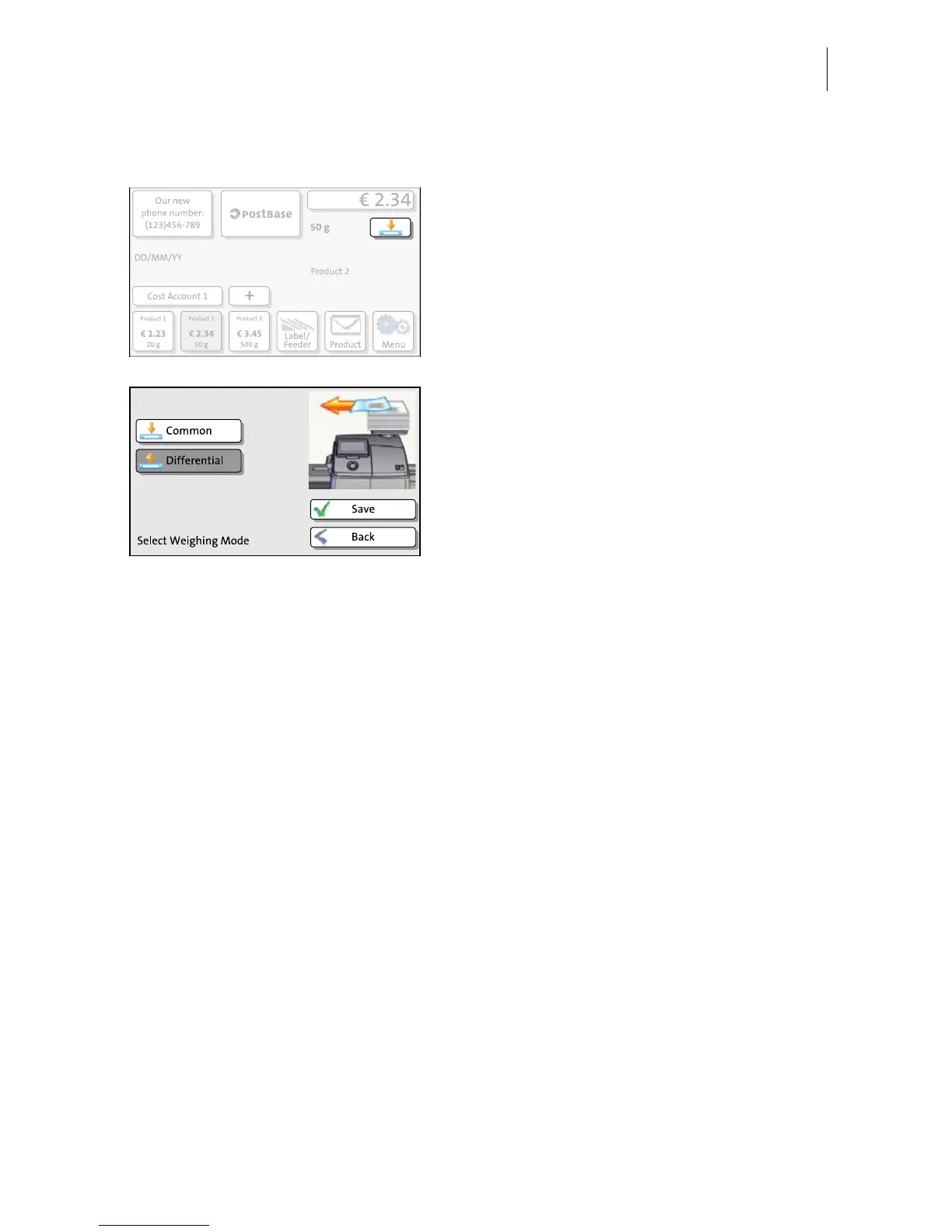
• In the Home screen, press the button next
to the weight.
• Select the weighing mode: C
OMMON or
DIFFERENTIAL.
•S
AVE the shown setting to return to the
Home screen.
The weighing mode is set. The button in the
Home screen shows the corresponding icon.


 To Next Page