30 | Installation
Power Quality Controller – PQC | Operating Manual | FRAKO
5.3.2 PQC initial start-up
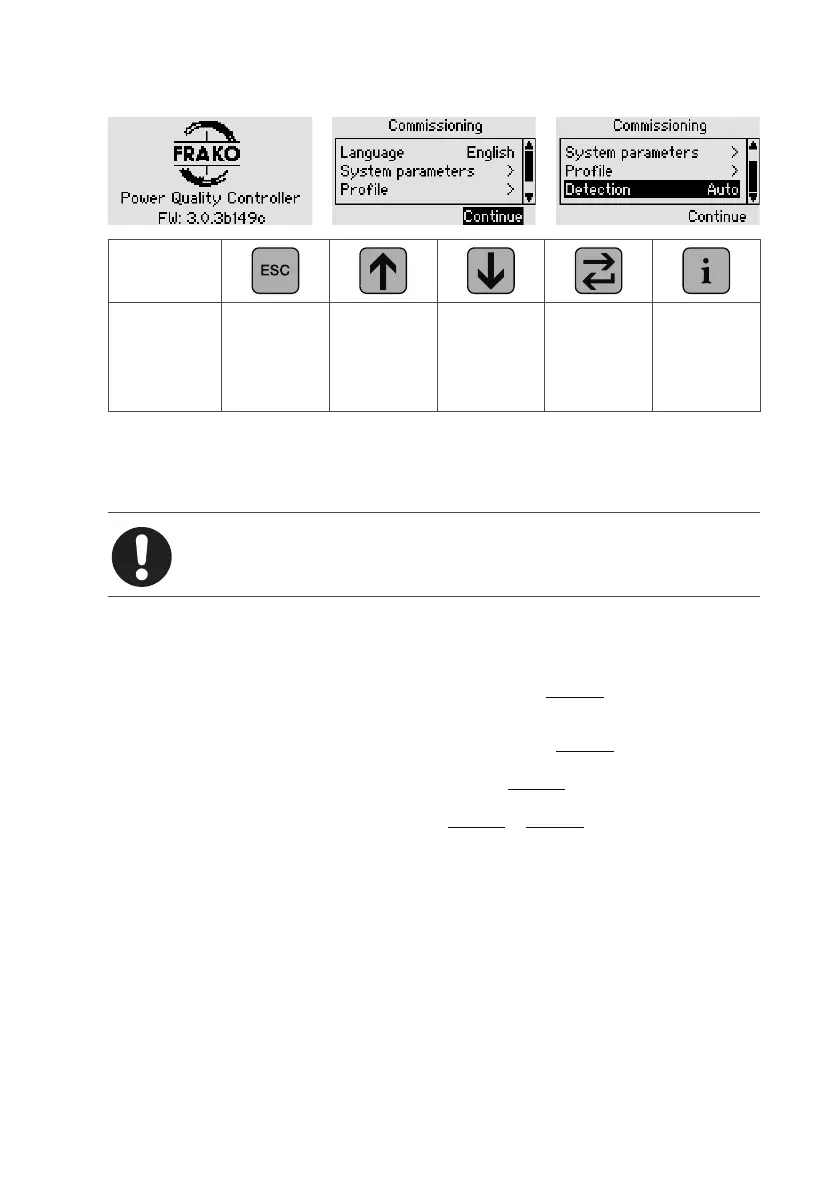
Key
Action Main menu
Select
language
dt – en – fr
Select
language
dt – en – fr
Confirm
language
and return
to parameter
selection
–
When the power is switched on, the PQC Start screen is displayed, showing informa-
tion about the installed firmware. The initial start-up dialogue then starts automatically,
in which the essential parameters for operation can then be set and the start-up mode
selected.
Note
If the PQC does not start, switch off the power and check the cabling.
The following parameters must be selected or confirmed:
Language German, English (factory default), French
Network parameters Voltage transformer ratio
Range 1 to 300, transformer ratio:
Vprimary
Vsecondary
Current transformer ratio
Range 1 to 7000, transformer ratio:
Iprimary
Isecondary
Example: current transformer
500 A
5 A
Transformer ratio: k=
Iprimary
Isecondary
=
500 A
5 A
=100
Profile Control profile, with which the PQC is to operate after a suc-
cessful start-up.
The PQC as delivered from the factory is set with the FRAKO
specific kinked control characteristic curve and the target cos
φ
target
= 0.92 ind. See Section 6.3.3 “Control parameters”.
Communication Where relevant: settings for communication interface (Modbus
RTU / Modbus TCP / Frakobus). See Section 6.3.5 “Commu-
nication (optional)”, for further information.



 To Next Page