Installation | 31
FRAKO | Operating Manual | Power Quality Controller – PQC
Identification Automatic / manual connection and stage identification (see
Section 5.3.3 “Automatic connection and stage identification”
and Section 5.3.4 “Manual connection and stage identifica-
tion”)
Note
For the voltage and current readings (and the values of power derived from
them) to be displayed correctly, it is essential that the voltage and current
transformer ratios be entered.
Regardless of the initial start-up mode, all the configuration data are saved in a
non-volatile memory. In the event of power loss (intended or not) these data are not
lost. When the power supply returns, the PQC starts up automatically and begins the
control process after booting up.
Note
Automatic connection and capacitor stage identification is only possible
with single-phase measurement.
5.3.3 Automatic connection and stage identication
To start the automatic connection and capacitor stage identification procedure, select
Auto in the Detection menu and confirm this with Continue.
The PQC switches the individual output relays one after the other and identifies not
only the phase angle of the current and voltage measurement paths but also to which
output each capacitor stage is assigned. Each output is switched several times until
the PQC can verify the measured values.
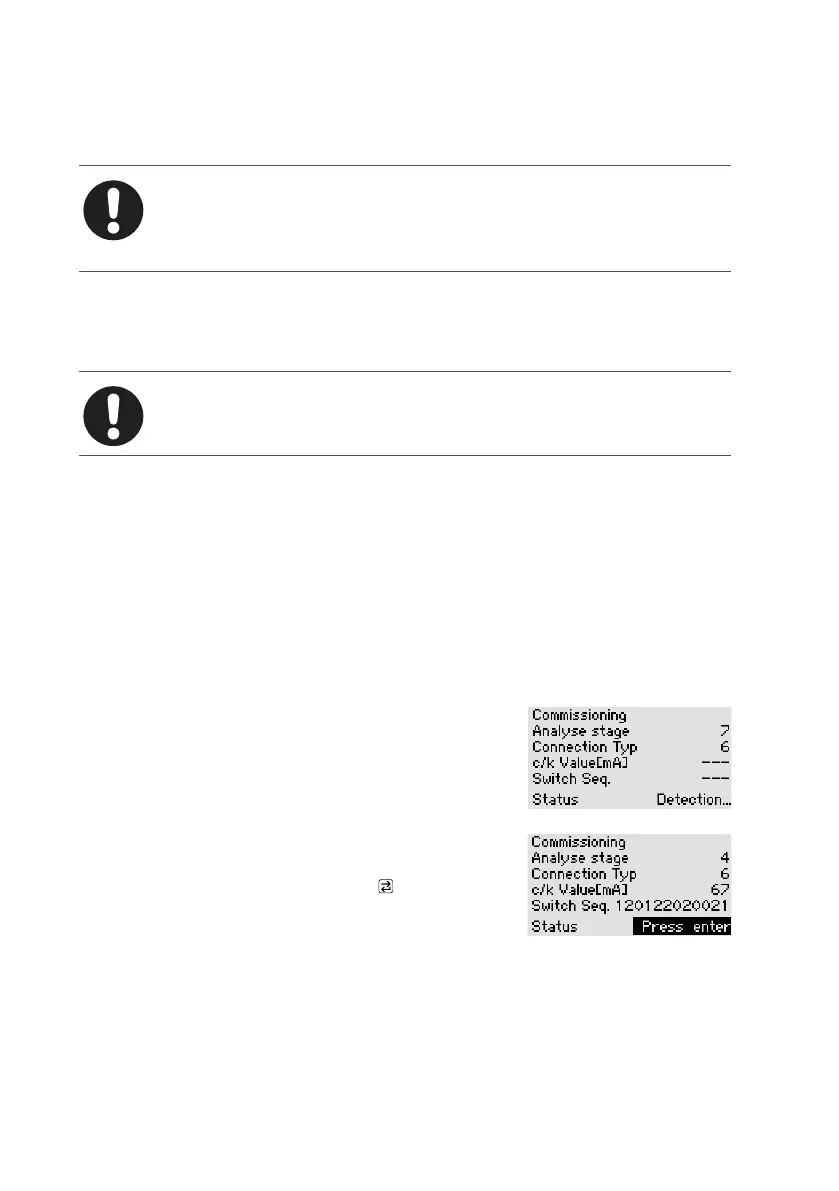
This is shown in the following screenshots:
Stage capacitive power identification is being carried out;
connection identification is complete, with the result con-
nection type 4.
When the PQC has successfully completed the con-
nection and stage identification procedure, the oper-
ator must confirm the result with the key. The PQC
then switches to operating mode and displays the PQC
overview screen. If at this moment there is a concrete
need for reactive power control, the PQC commences to switch stages in or out as
necessary.
If the PQC was not able to complete the connection and stage identification proce-
dure successfully, or if the user presses the ESC key to cancel it, this is indicated by a
message on the screen. The initial start-up procedure can then be restarted.



 To Next Page