54 | Description of the menu
Power Quality Controller – PQC | Operating Manual | FRAKO
6.3.4 Alarms
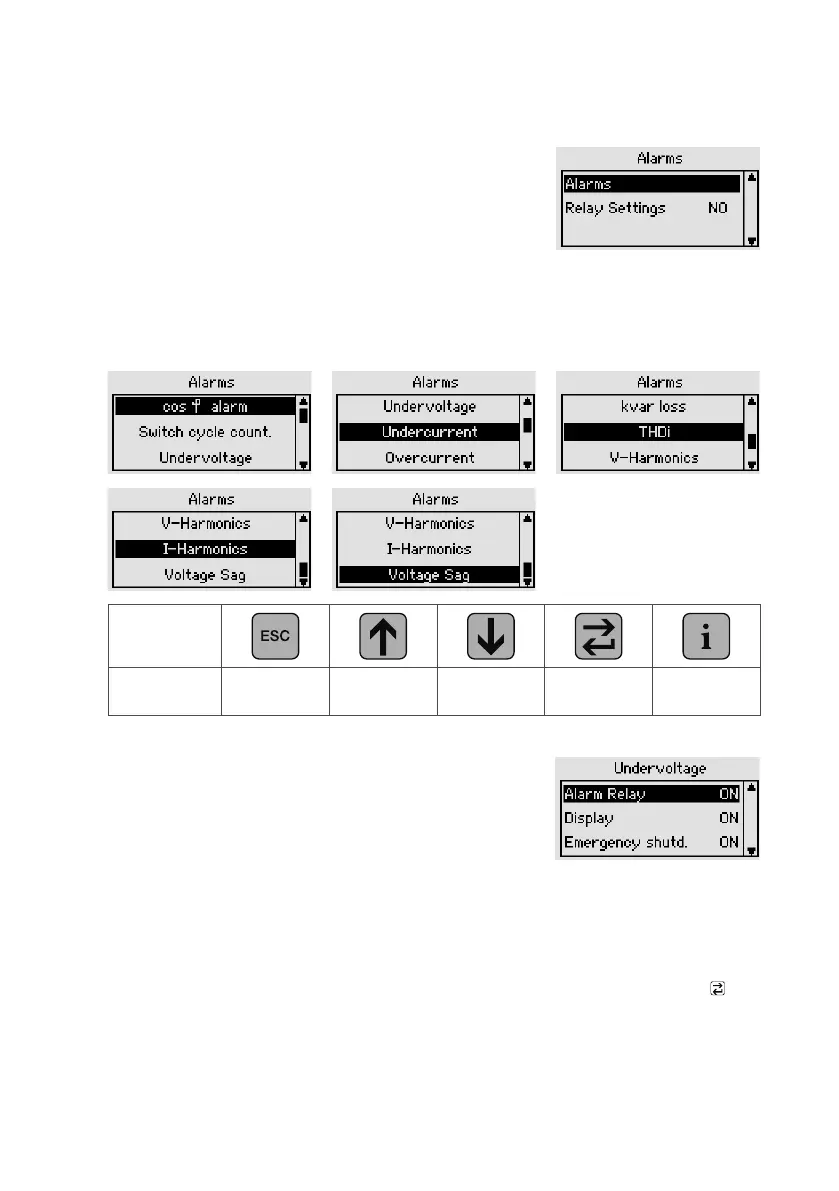
Main menu > Parametrization > Alarms
Alarms see Section 6.3.4.1 “Alarms”
Relay function With this option, the action of the
alarm relay can be inverted:
NO mode: contact closes when
an active alarm occurs.
NC mode: contact opens when an active alarm occurs.
6.3.4.1 Alarms
Key
Action
PQC
setting
Select alarm
limit
Select alarm
limit
Edit alarm
limit
–
Alarm management
When an alarm condition occurs, the PQC offers various
actions for signalling or processing the alarm. These can
be parametrized individually for each alarm type.
– Transmission via alarm relay
If the alarm relay function is assigned to an alarm, the alarm relay incorporated in the
PQC switches when the alarm occurs (connections: Alarm a, b) and remains in that
state as long as the alarm is active.
– Alarm warning in the display
If the alarm display function is assigned to an alarm, an information window pops
up in the PQC display. This message can be acknowledged by pressing the key,
regardless of whether the alarm condition is still present or not.
– Emergency trip of the power factor correction system
Under critical alarm conditions, such as overcurrent, the PQC can initiate an emer-



 To Next Page