Description of the menu | 43
FRAKO | Operating Manual | Power Quality Controller – PQC
6.2.4.1 Alarms & notications
Main menu > Display > Alarms & messages > Alarms & notific.
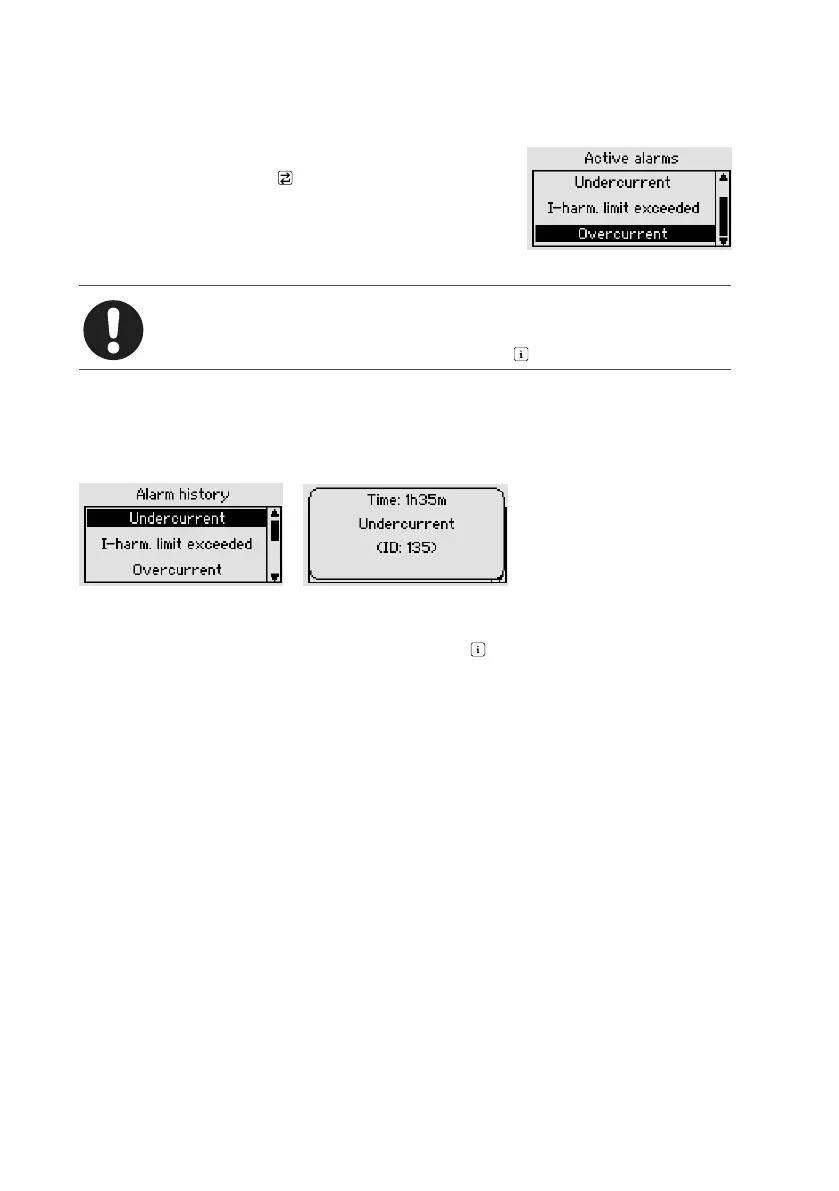
All currently active alarms are shown in a list. If one of
these is selected and the key is pressed, details such
as the momentary reading are displayed.
The limits for several alarm can be set in the Parametri-
zation menu (see Section 6.3.4 “Alarms”). All alarms are
listed in Section 9 “Troubleshooting” gelistet.
Note
The Alarms & messages menu can also be displayed from the menu item
Display > PQC overview > Overview if the key is pressed.
6.2.4.2 Alarm history
Main menu > Display > Alarms & messages > Alarm history
The alarm storage function displays the 10 most recently occurring alarms, with the
latest alarm at the top and the oldest one at the bottom of the list (sorted by time).
Selecting one of the lines shown and pressing the key causes the alarm condition
to be displayed in plain language.



 To Next Page