Description of the menu | 65
FRAKO | Operating Manual | Power Quality Controller – PQC
No. No. of the stage [1–12]
Stat. (status) ON / OFF / [x seconds]
ON: switches stage in manually OFF: switches stage out
manually
[x seconds]: Time remaining until the capacitor stage can be
switched in again (discharge time)
Q(var) Momentary stage corrective power in var
(This is the 3 phase stage corrective power.)
Switching cycles Number of stage switching cycles
When a stage is switched out again, this is done immediately. Before this stage can
be switched in again, it is necessary to wait until the capacitor‘s set discharge time
has elapsed. A countdown of the remaining discharge time is displayed in the Sta-
tus column. Not until this time has elapsed can the stage be switched in again. If it
is attempted to switch in the stage before the countdown is finished, the message
‘Not possible’ is displayed. (The stage is then not switched in automatically after the
discharge time has elapsed.)
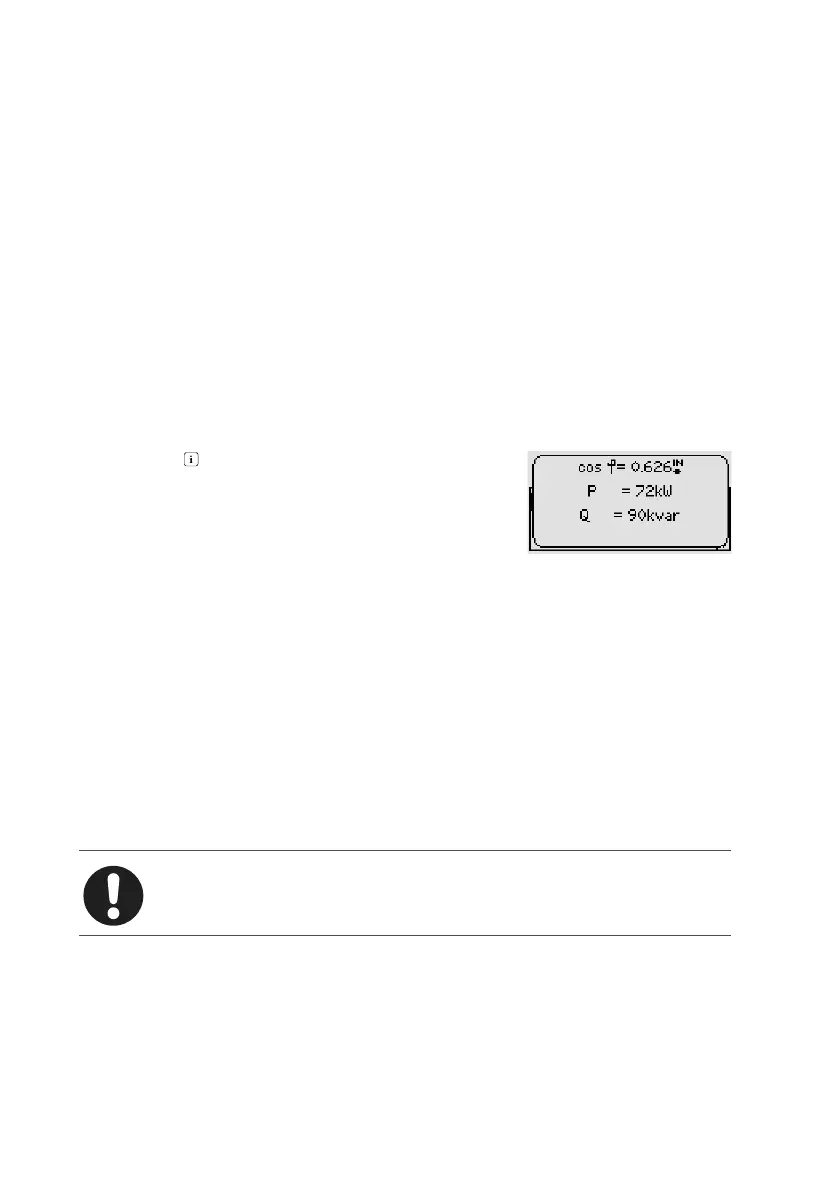
Pressing the key displays the momentary values of
cosφ, P and Q.
6.3.7.3 Factory default settings
Main menu > Parametrization > Service > Factory settings
Resets the PQC at its factory default settings (without affecting the switching cycle
counter).
6.3.7.4 Clear switching cycles counters
Main menu > Parametrization > Service > Clear switching cycles
Reset switching cycle counters for all stages to zero (singly or individually, service
password necessary); see Section 4.4 “Password protection”.
Note
A switching cycle counter may only be reset after the corresponding con-
tactor has been replaced.
6.3.7.5 Reset Min/Max
Main menu > Parametrization > Service > Reset Min/Max
Reset all Min/Max values.



 To Next Page