Franka Emika GmbH ©October 2018
99
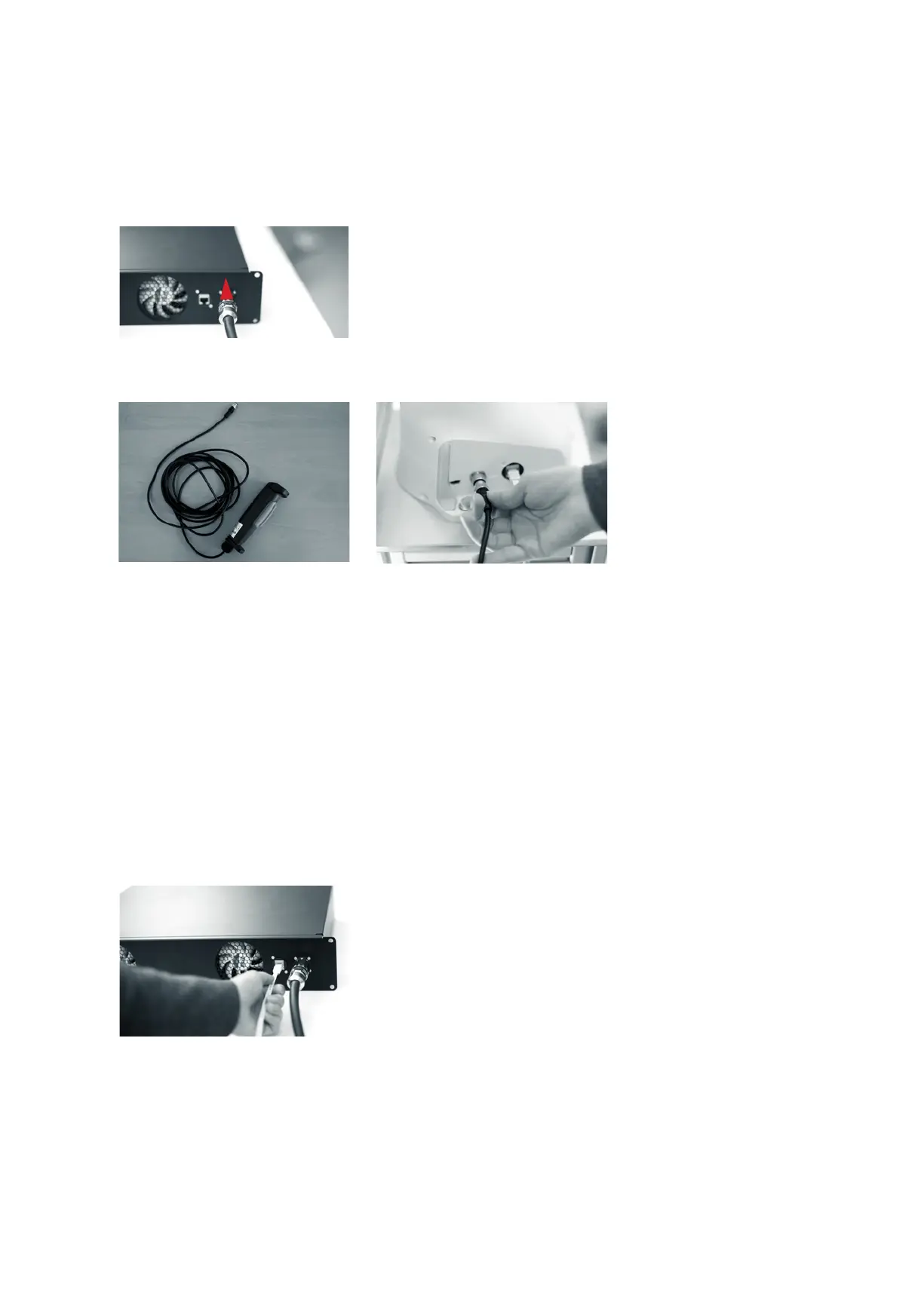
• Apply the same principle to connect the other end of the connecon cable
with the connector on the front of the Control.
External enabling device &
external acvaon device
• Connect the external enabling device to the X4 connector and the external
acvaon device to the X3 connector on the Arm
• Make sure that the guide pins are poinng in the right direcon.
• By turning the movable front part of the connector port, the plug itself is
pulled into the connector. Turn hand-ght.
• Place the external acvaon device within easy reach of the user.
• Make sure that the external acvaon device is closed.
To operate Panda via the intuive programming interface Desk and using Apps:
• Connect your interface device (tablet, notebook, PC, etc.) with a network
cable (RJ45) to the connector X5 on the base of the Arm
Oponally:
• Connect the Control to the network (oponal) via an RJ 45 Ethernet cable
(not included)
• or connect the Control directly with a PC workstaon, in order to access
Panda via the FCI programming interface
Connecng your operang device
(for operaon via Desk)
Connecng to network - oponal
(e.g. for use of the FCI)



 To Next Page