3.
To activate mobile mode, depress the service
brake pedal, then shift from neutral to reverse,
1st, or 2nd gear. The clutch opens and the PTO
disengages for a moment.
4.
Touch the accelerator pedal to close the clutch
and engage the PTO in mobile mode. The PTO
may be operated with the transmission in neutral
or reverse, and 1st and 2nd gears only.
NOTE: Do not attempt to change gears while
the vehicle is moving. The transmission ignores
the request.
5.
To deactivate mobile mode, bring the vehicle to a
stop. The clutch opens and shuts down power to
the PTO.
6.
To resume stationary mode, shift to neutral. The
PTO engages.
7.
To deactivate PTO, press the PTO switch again.
When the light in the switch goes out, power to
the PTO is shut off.
PTO Instrumentation Unit Controls
If configured for ICU speed control, PTO screens can
be accessed under the Vehicle Settings menu.
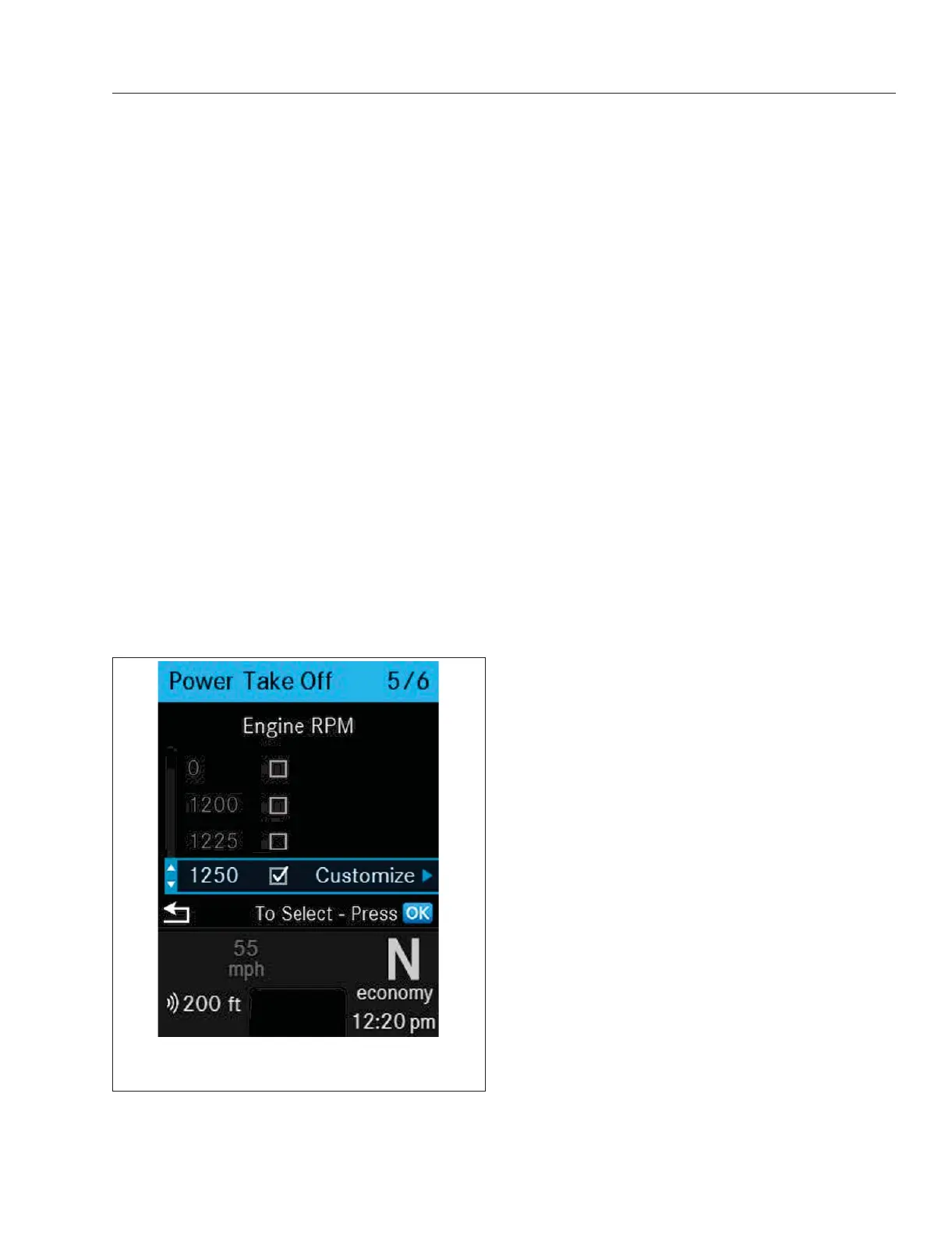
After the Power Take Off (PTO) is engaged using the
PTO switch, available PTO speeds are indicated by
check boxes on the Power Take Off Screen in the
instrumentation unit. See
Fig. 10.7.
PTO speed 1 is selected initially. If a speed is out of
range it is not available to select. If a PTO speed is
available for customization, it is indicated with a
Customize option.
f61164104/29/2019
NOTE: Speeds shown are representational only. Actual
speeds are determined by the vehicle’s parameters.
Fig. 10.7, Quick Access Screen: Power Take Off (PTO)
Optional Engine Systems
10.4














 To Next Page