29
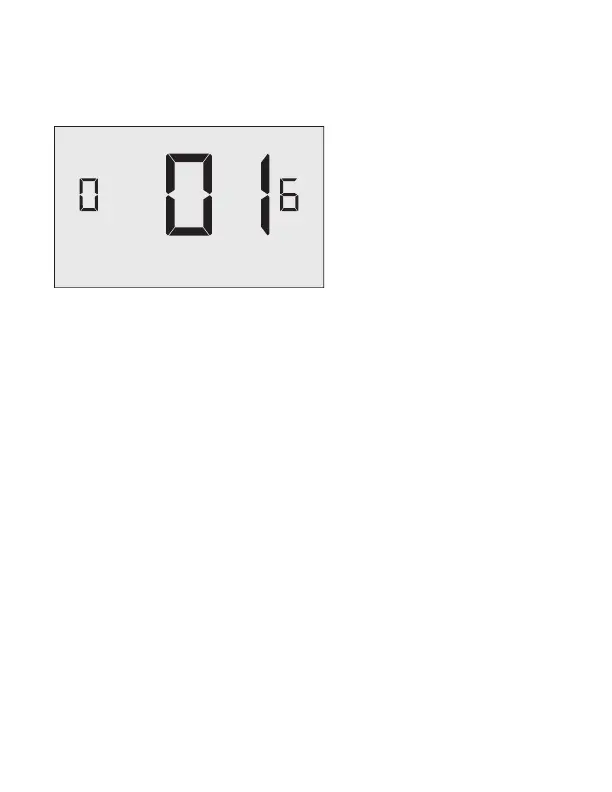
06– Night Occupancy Threshold
00-60 (01* default setting)
Select the minimum period of time (in minutes) for which occupancy needs
to be detected in order to consider the room occupied during the “Night
Occupancy”period.
When occupancy is detected during the “Night Occupancy Period” for longer
than the “Night Occupancy Threshold” selected here, the Wall Controller will
instantaneously switch to occupied mode.
If occupancy is detected for a period of time shorter than the “Night Occupancy
Threshold” selected here, the Wall Controller will automatically revert to
unoccupied mode and continue to observe energy saving functions that were in
e ect before the room became occupied.
If occupancy is detected for a period of time longer than the “Night Occupancy
Threshold” selected here, the Wall Controller will disable the occupancy sensor
and consider the room occupied until the end of the “Night Occupancy” period.
This feature ensures that energy saving functions that may a ect occupant
comfort will not come in e ect during the “Night Occupancy” period.
Custom Energy Savings Settings


 To Next Page