SeaSTAR 3610 USER MANUAL
LINK 1 SBXMODE 0 ! CSI SBX IALA Receiver search mode, 0:
off, 1: auto, 2: manual
LINK 1 SBXFREQ 301.0 ! CSI SBX IALA Receiver lock frequency in
kHz (283.5 to 325)
LINK 1 SBX UPDATE PERF MSG 10 ! 0: do not update CSI SBX IALA
performance msg, else every nn sec (0-
100)
LINK 1 SHORT RANGE 0 ! 0: Normal 1: Treat link as short range link
(e.g. IALA)
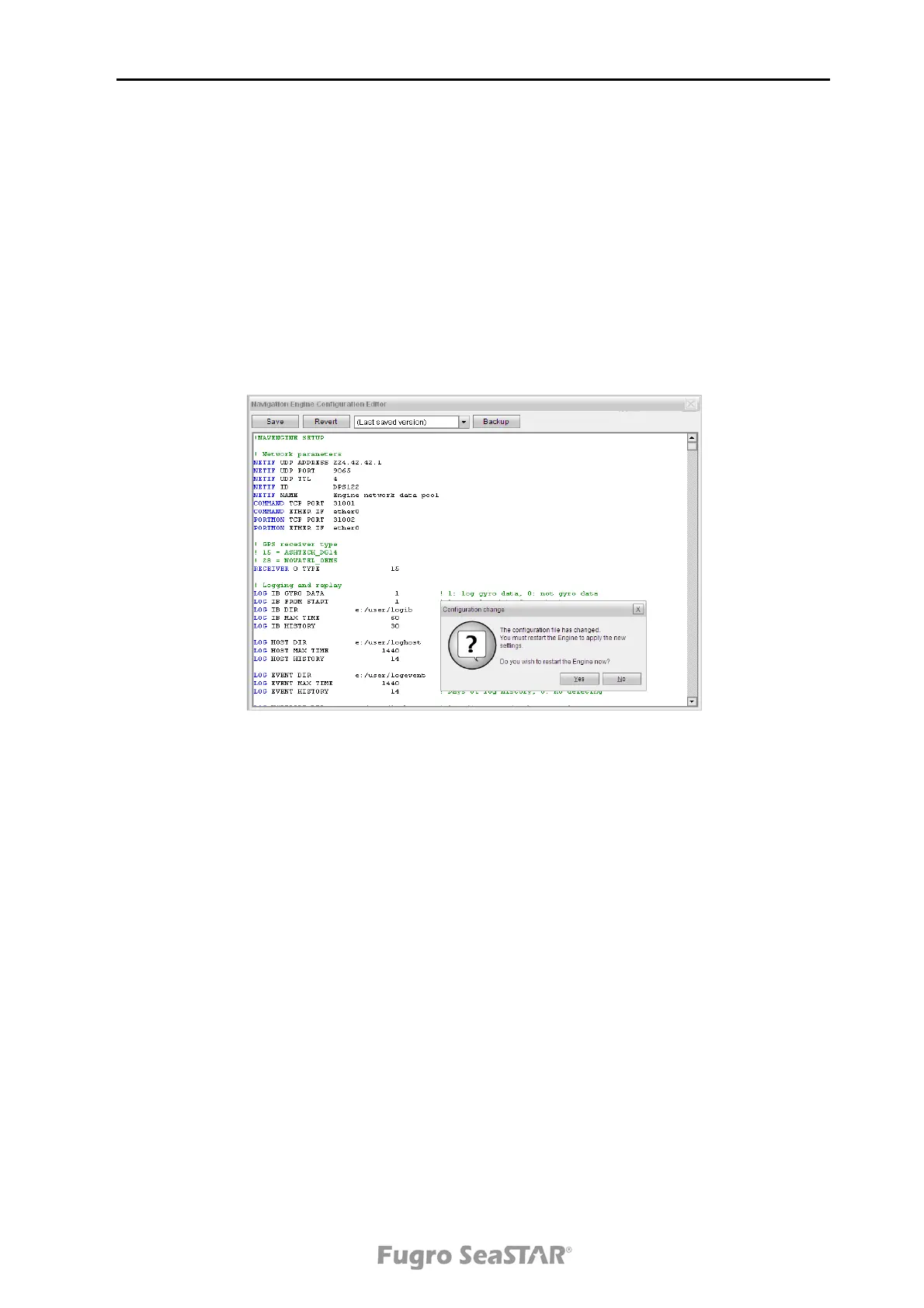
8. Change the settings, press Save and click on the cross in the upper right corner.
9. The system must be restarted after editing, this to make sure that all the new
settings have been stored.
Figure 8. Setup file editing and saving
10. When the DPS is configured, make sure the configuration of the 3610 DGNSS
receiver agrees with the DPS configuration with regards to baud rate and RS-
232/RS-422 interface and cables.
Note! When planning to use HP/XP/G2 corrections, the DPS must be set up and
connected to the 3610 DGNSS receiver when the subscription is
transmitted and enabled.
Issue 2.0 02/10
21


 To Next Page