- 19 -
4. Time change of cycle time error
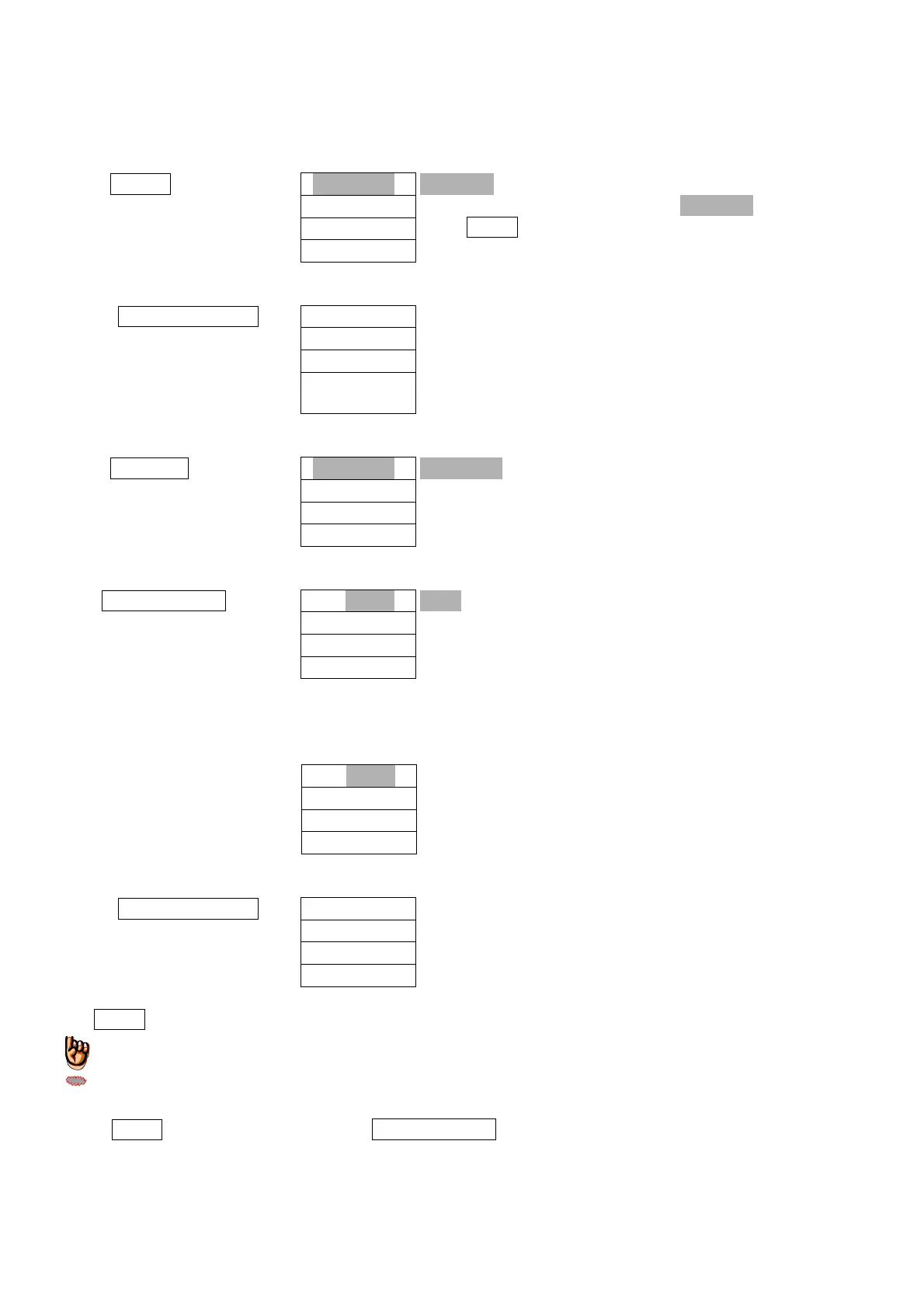
This is a procedure for the time change of cycle time error. (Initial value: 10 seconds)
1. Push 5
F
key
Letters marked with mesh is flashed.
In the case that letters other than “ ” are displayed,
push RESET key.
2. Push SET/CHG key
3. Push 4
TIMER
key
This indicates the setting mode for cycle time error
.
4. Push SET/CHG key
This shows time setting at present.
5. Time can be set from 1 to 99 seconds. Please input 1 to 99 of one tenth of figures for input.
Input setting time.
← This shows the time changed at “20-seconds.”
6. Push SET/CHG key
7. Push RESET key
Time for cycle time error has been changed.
◎If RESET key is pushed prior to pushing SET/CHGkey in the above 6, all operations made so far are
cancelled.



 To Next Page