7Stored Programming
162
Stored Programming
7
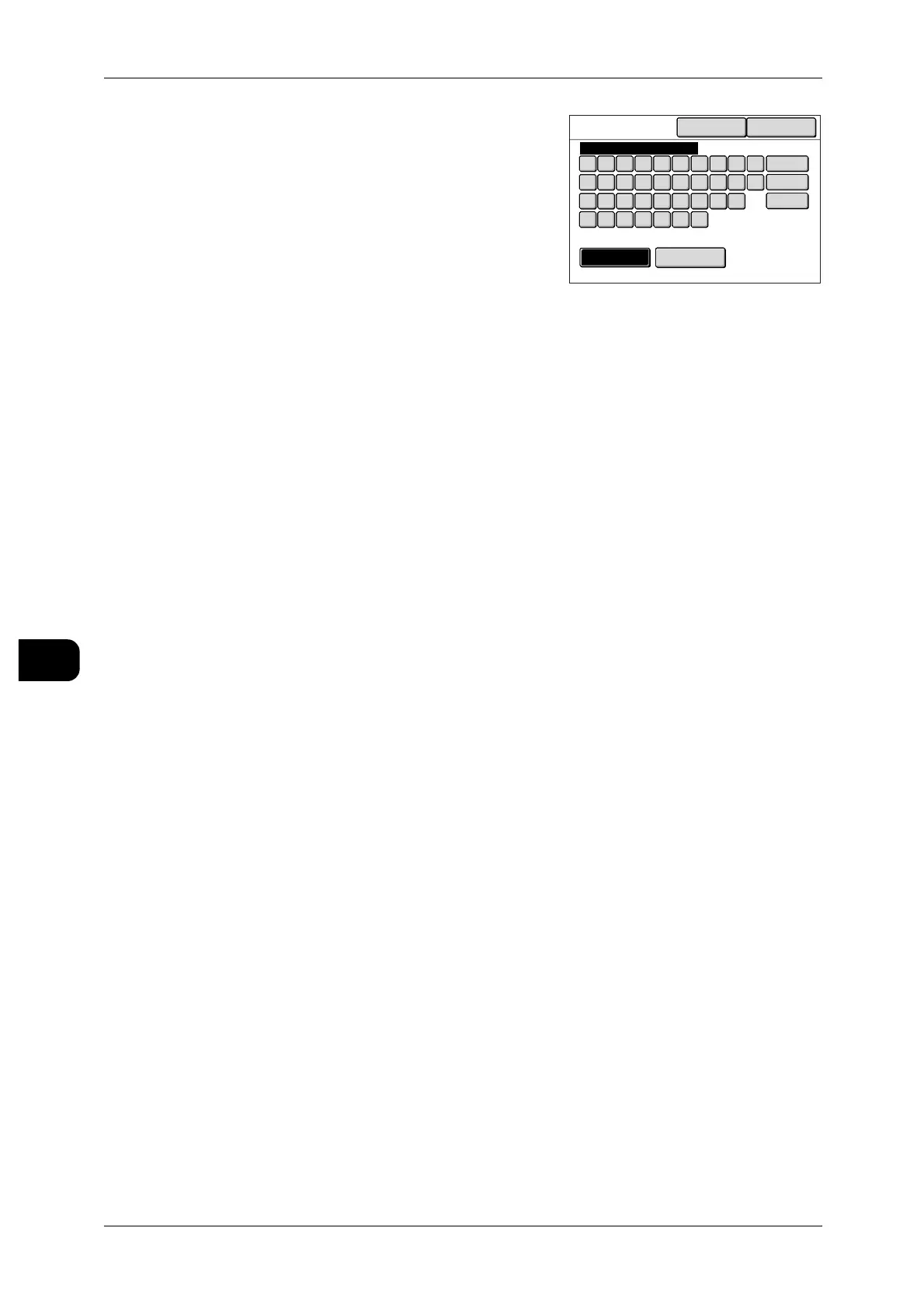
8 Enter the name, and press [Save].
Note • Enter up to 20 alphanumeric characters for the
Stored Programming name.
When using CentreWare Internet Services to
specify a name, you can enter up to 20 alpha-
numeric characters (10 in double byte charac-
ters).
• For information about how to enter characters,
refer to "Entering Text" (P.32).
9 Press [Close] until the [Menu] screen is displayed.
Keyboard
SymbolAlphanumeric
Cancel Save
Back
Space
Shift
1
qwert yui op
lkjhgfdsa
zxcvbnm
234567890
Job 03



 To Next Page
 Loading...