4.2 Maintenance display
4–6
*1. For details about how to use the Operator's Manual or Troubleshooting Manual, see ☞8.1 Accessing the HELP display.
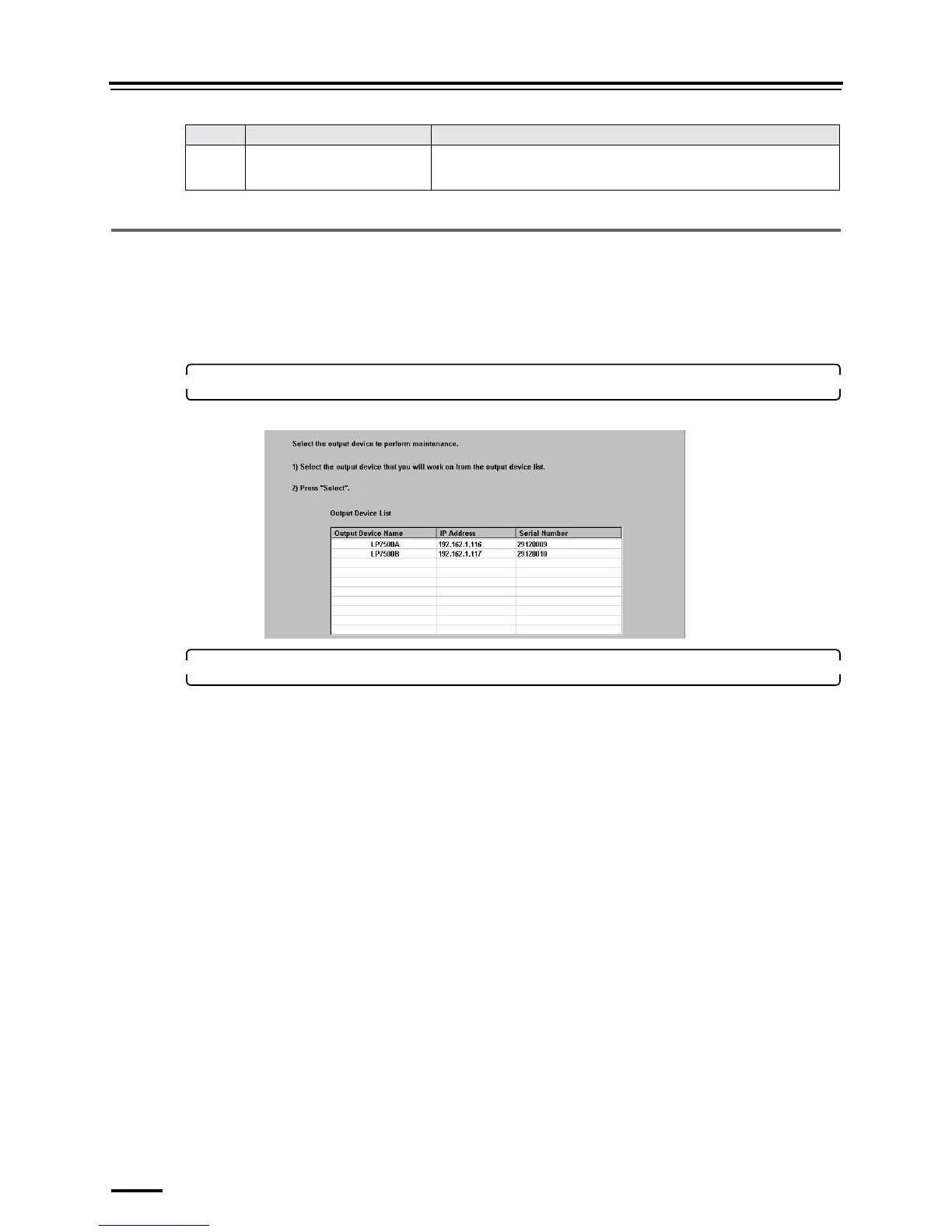
4.2.3 Selecting the output device [Output Device Selection]
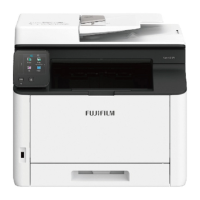
Selecting the machine type to be used is necessary when using the Maintenance Application.
The procedure of selecting the machine type is as follows.
Bringing up the display
On the Maintenance Application display, click Maintenance.
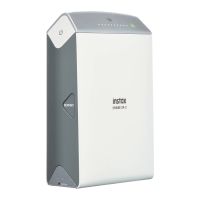
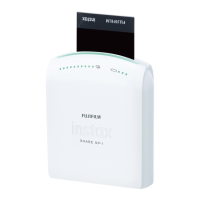
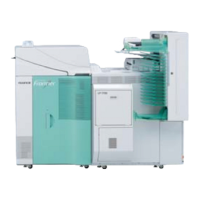
1. Select the machine type on the Output Device Selection display.
Example: Output Device Selection display
2. Click Select.
The Maintenance display is shown.
7 Help Display Allows you to access the built-in manuals (Help) of this product.
• For details, see
☞8.1 Accessing the HELP display.
No. Button Name Detailed explanation
S5302-00-UM00F




 To Next Page