5.1 Printing
5–3
5. Printing
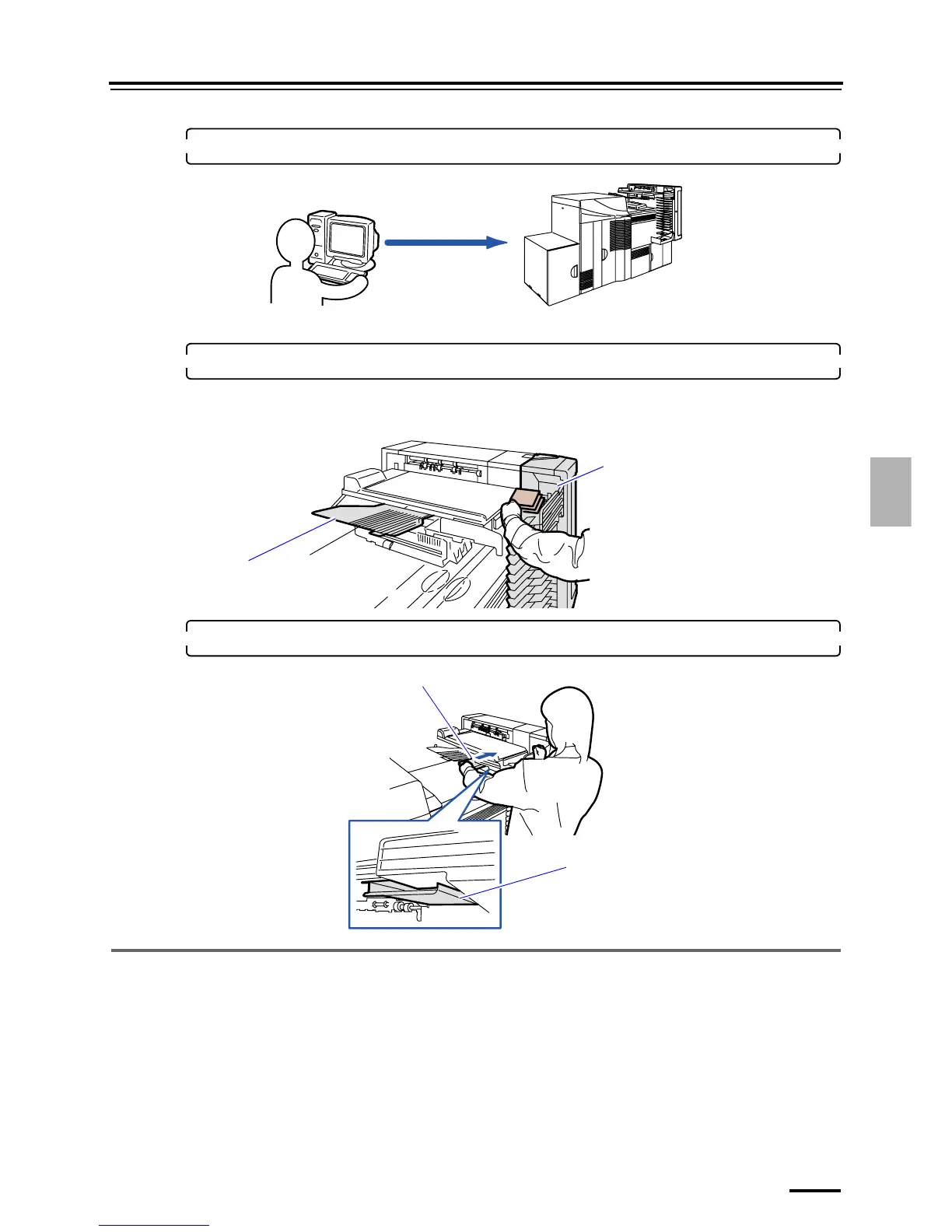
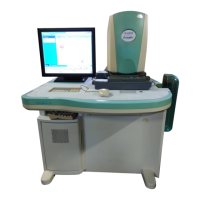
3. Perform printing operations with the operation PC.
• To use the Controller, see Controller Operator's Manual.
4. Take out prints from the print sorter unit.
Confirm the lamp by the side of the print sorter unit when configuring the priority order.
• For details of the priority order, see
☞5.1.2 Priority order.
5. Store the Long length print tray under the print conveyor unit.
5.1.2 Priority order
Priority order from the Controller is processed by interrupting an order that is currently printed.
The priority order and other orders are separately output to the print sorter unit.
This section explains the way to distinguish.
!
!!
! How to distinguish the priority order from other orders
The lamp by the print sorter unit tray is lit when the priority order or other orders are ejected.
Operation PC
G088939
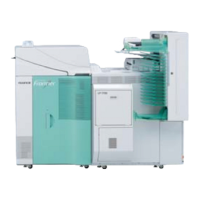
Print sorter unit
Print receiving tray
(large)
G088940
Long length print tray
Store here.
G068141




 To Next Page