5.2 Installing and removing paper magazines
5–11
5. Printing
5.2.2 Removing a paper magazine
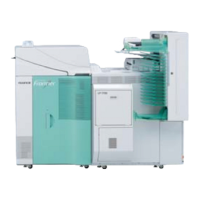
The illustration used in the table below is a system in which the triple magazine unit is installed.
• If optional quad magazine unit is installed, see
☞5.2.4 Removing a paper magazine from the system in which the quad
magazine unit is installed.
IMPORTANT
• The magazine handle deterioration will not occur within the normal use of it. However, if there is a fray in the
handle or the metal parts are deformed due to some reasons such as dropping the magazine, there is a
possibility that the magazine handle will break. Consult your technical representative to replace the magazine
handle.
• The outlets of the paper magazines are designed to close when the printer doors are opened. Opening any
other door or cover without opening the printer doors causes the paper ends to be exposed in the magazines.
Be sure to open all the printer doors first.
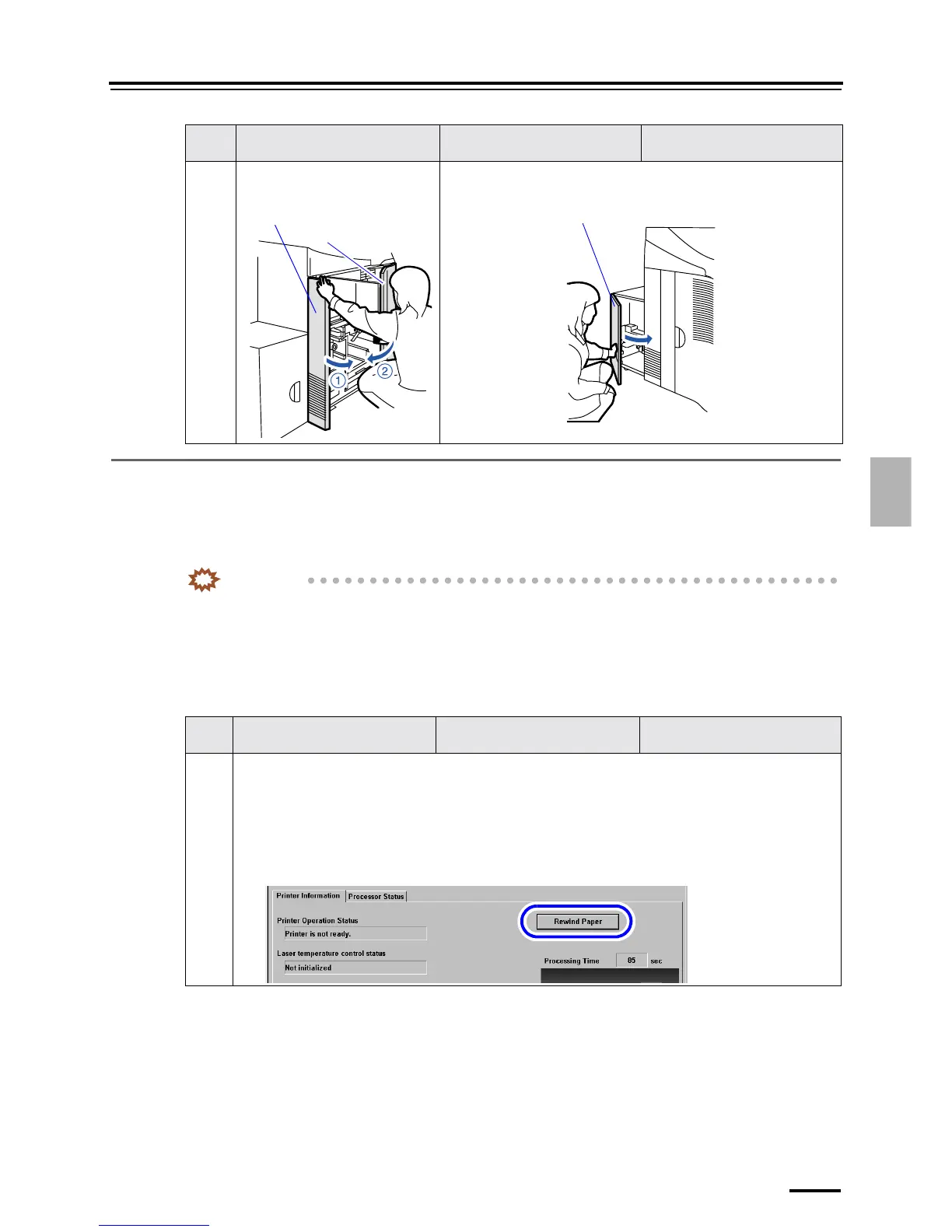
9 Close printer doors 1 and 2. Close printer door 3.
This is only for systems with the optional triple magazine.
Step Paper magazine A
(For the triple magazine unit)
Paper magazine B Paper magazine C
1 Rewind the paper.
1. Access the Status Display display.
Bringing up the display
On the Maintenance display, click Status Display.
2. Click Rewind Paper on the Printer Information tab to rewind the paper into the paper magazine.
Status Display display
Step Paper magazine A
(For the triple magazine unit)
Paper magazine B Paper magazine C
Printer door 1
Printer door 2
Printer door 3





 To Next Page