120
Problems and Solutions
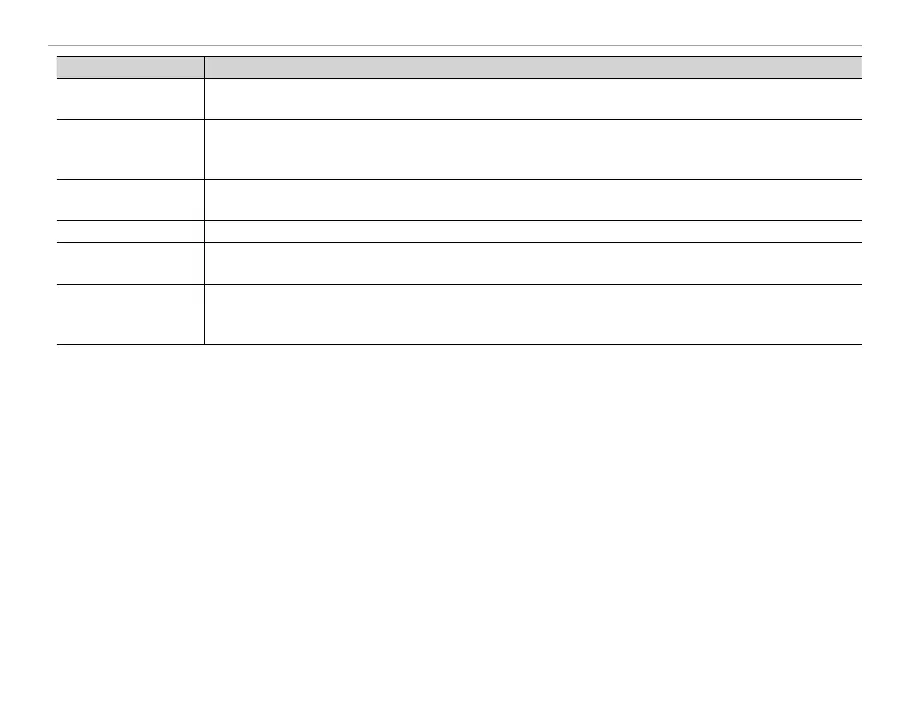
Problem
Solution
Only one copy is printed/
Only one copy is printed/
the date is not printed.
The printer is not PictBridge compatible.
The printer is not PictBridge compatible.
The camera is unrespon-
sive.
•
Temporary camera malfunction
Temporary camera malfunction
: Remove and reinsert the battery (
: Remove and reinsert the battery (
P
13, 15).
•
The battery is exhausted
: Charge the battery (
P
12) or insert a fully-charged spare battery (
12) or insert a fully-charged spare battery (
P
13).
•
The camera is connected to a wireless LAN
The camera is connected to a wireless LAN
: End the connection.
The camera does not func-
The camera does not func-
tion as expected.
Remove and reinsert the battery (
Remove and reinsert the battery (
P
13, 15). If the problem persists, contact your FUJIFILM dealer.
13, 15). If the problem persists, contact your FUJIFILM dealer.
No sound.
Turn silent mode off (
P
4).
Hue or content of display
Hue or content of display
changes unexpectedly.
Choose
OFF
for
A
SCREEN SET-UP
>
MONITOR SUNLIGHT MODE
(
P
85).
Time and date stamps.
•
Time and date stamps are not correct
Time and date stamps are not correct
: Set the camera clock (
P
18, 84).
•
Time and date stamps appear on photographs
Time and date stamps appear on photographs
: Time and date stamps can not be deleted. To prevent stamps ap-
: Time and date stamps can not be deleted. To prevent stamps ap-
pearing on new photographs, select
pearing on new photographs, select
OFF
for
U
DATE STAMP
(
P
87).



 To Next Page