31
Basic Movie Recording and Playback
Basic Movie Recording and Playback
Basic Movie Recording and Playback
Recording High-De nition (HD) Movies
Recording High-De nition (HD) Movies
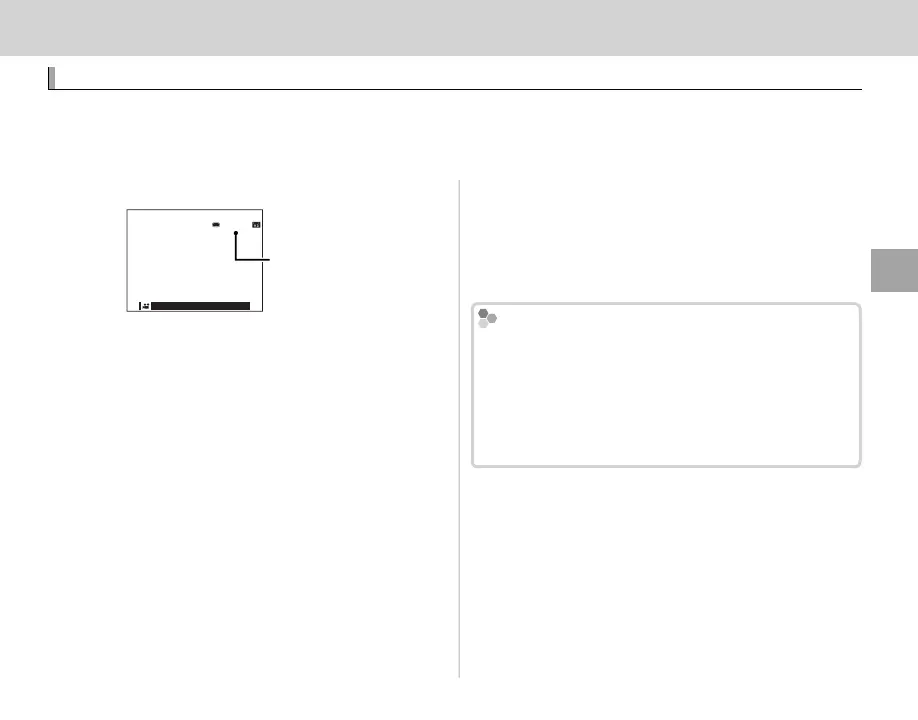
The camera can be used to record short high-de nition movies. During recording,
y
and the time re-
maining will be displayed in the LCD monitor and sound will be recorded via the built-in microphone
(be careful not to cover the microphone during recording).
1
Press t to start recording.
Time remaining
12m34s
2
To end recording, press the t button again.
Recording ends automatically when the mov-
ie reaches maximum length or memory is full.
R Zoom can be adjusted while recording is in prog-
ress.
R The movie size can be selected using the W MOVIE
SET-UP > MOVIE MODE option (P 76).
R Use the W MOVIE SET-UP > FOCUS MODE option
to choose how the camera focuses during movie
recording.
R The color and brightness of the image may vary
from those displayed before recording begins.
R The indicator lamp lights while movies are being
recorded.
Q The microphone may pick up lens noise and other
sounds made by the camera during recording.
Q Vertical or horizontal streaks may appear in movies
containing very bright subjects. This is normal and
does not indicate a malfunction.
Depth of Field
Manual aperture adjustment is available in shooting
modes A and M; adjust aperture before recording
begins. Choose low f-numbers to soften background
details. The e ect can be heightened by increasing
the distance between your subject and the back-
ground.



 To Next Page