78
Using the Menus: Playback Mode
Using the Menus: Playback Mode
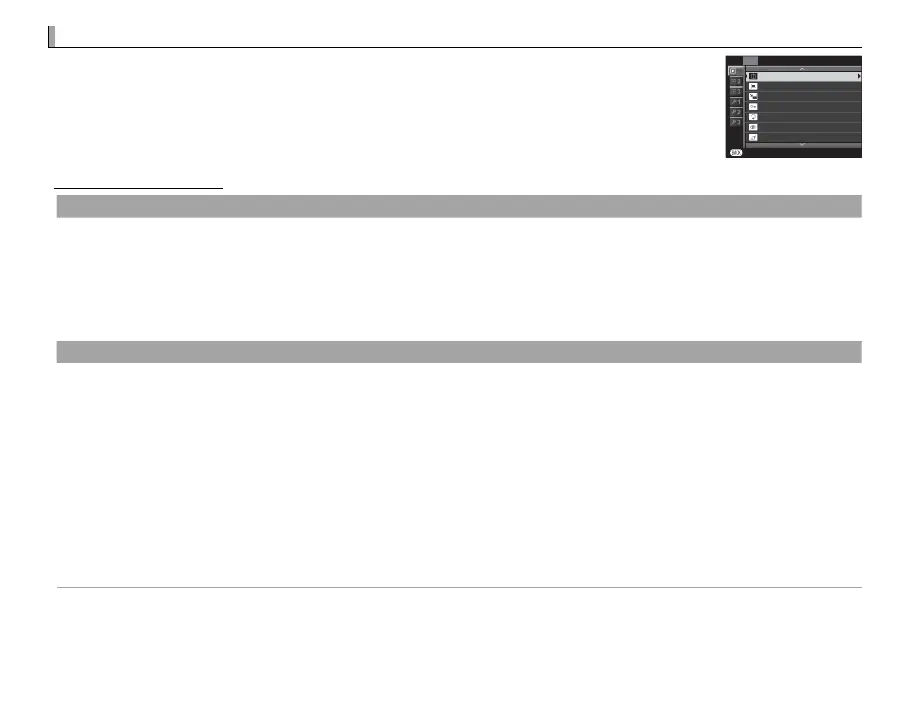
To display the playback menu, press MENU/OK in playback mode. Highlight items
and press the selector right to view options, then highlight an option and press
MENU/OK. Press DISP/BACK to exit when settings are complete.
1
PLAYBACK MENU
EXIT
ERASE
CROP
RESIZE
PROTECT
IMAGE ROTATE
RED EYE REMOVAL
SLIDE SHOW
Playback Menu Options
A
ERASE
Delete all or selected pictures.
• FRAME: Press the selector left or right to scroll through pictures and press MENU/OK to delete the current picture (a con rmation
dialog is not displayed).
• SELECTED FRAMES: Highlight pictures and press MENU/OK to select or deselect. When the operation is complete, press DISP/BACK
to display a con rmation dialog, then highlight OK and press MENU/OK.
• ALL FRAMES: A con rmation dialog will be displayed; highlight OK and press MENU/OK to delete all unprotected pictures.
G
CROP
Create a cropped copy of the current picture.
1
Display the desired picture.
2
Select G CROP in the playback menu.
3
Use the sub-command dial to zoom in and out and press the selector up, down, left, or right to scroll the picture until the
desired portion is displayed.
4
Press MENU/OK to display a con rmation dialog.
5
Press MENU/OK again to save the cropped copy to a separate le.
R Larger crops produce larger copies; all copies have an aspect ratio of 3 : 2. If the size of the nal copy will be a, OK will be
displayed in yellow.



 To Next Page