90
Menus
Using the Menus: Shooting Mode
Using the Menus: Shooting Mode
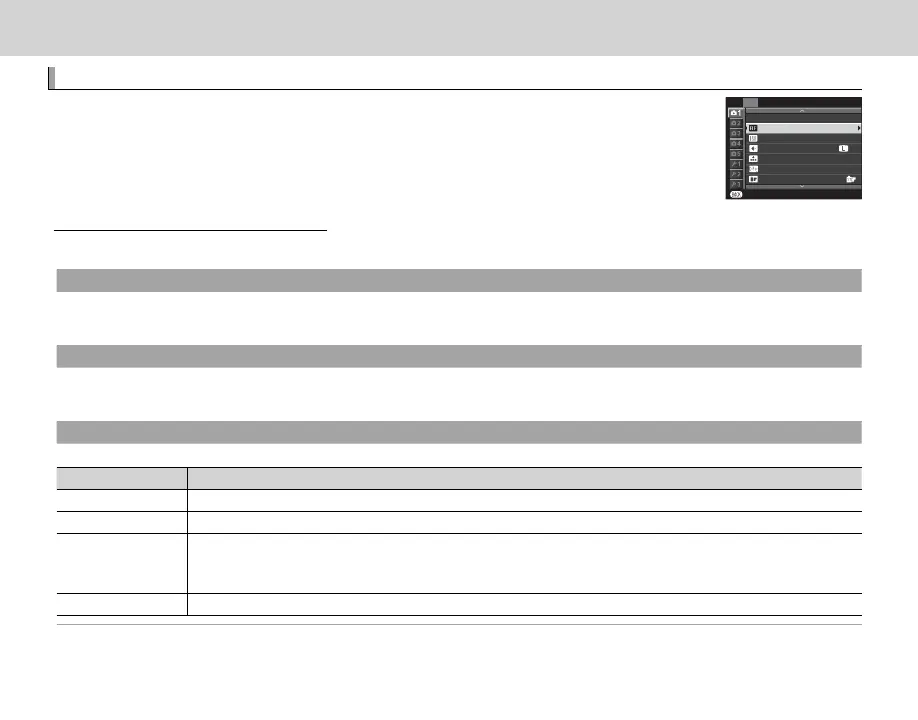
The shooting menu is used to adjust settings for a wide range of shooting condi-
tions. To display the shooting menu, press MENU/OK in shooting mode. Highlight
items and press the selector right to view options, then highlight an option and
press MENU/OK. Press DISP/BACK to exit when settings are complete.
EXIT
SHOOTING MENU
ISO
AUTOFOCUS SETTING
PROGRAM AE
IMAGE SIZE
IMAGE QUALITY
DYNAMIC RANGE AUTO
FILM SIMULATION
F
200
3:2
P
Shooting Menu Options (Photographs)
Shooting Menu Options (Photographs)
R The options available vary with the shooting mode selected.
d
ADVANCED FILTER
Choose a lter (P 67).
R This option is only available when Y ADVANCED FILTER is selected for drive mode.
A
SCENE POSITION
Choose a scene for auto mode (P 51).
R This option is only available when auto mode has been selected by pressing a function button (by default, Fn2/AUTO).
G
AUTOFOCUS SETTING
Adjust autofocus settings.
Option
Description
FOCUS AREA
Choose the focus area (P 72).
AF MODE Choose the AF mode for focus modes S and C (P 71).
RELEASE/FOCUS
PRIORITY
Choose how the camera focuses in focus mode AF-S or AF-C.
• RELEASE: Shutter response is prioritized over focus. Pictures can be taken when the camera is not in focus.
• FOCUS: Focus is prioritized over shutter response. Pictures can be only taken when the camera is in focus.
INSTANT AF SETTING Choose how the camera focuses when the AF-L button is pressed in manual focus mode (P 68).



 To Next Page