65
More on Photography and Playback
The DRIVE Button
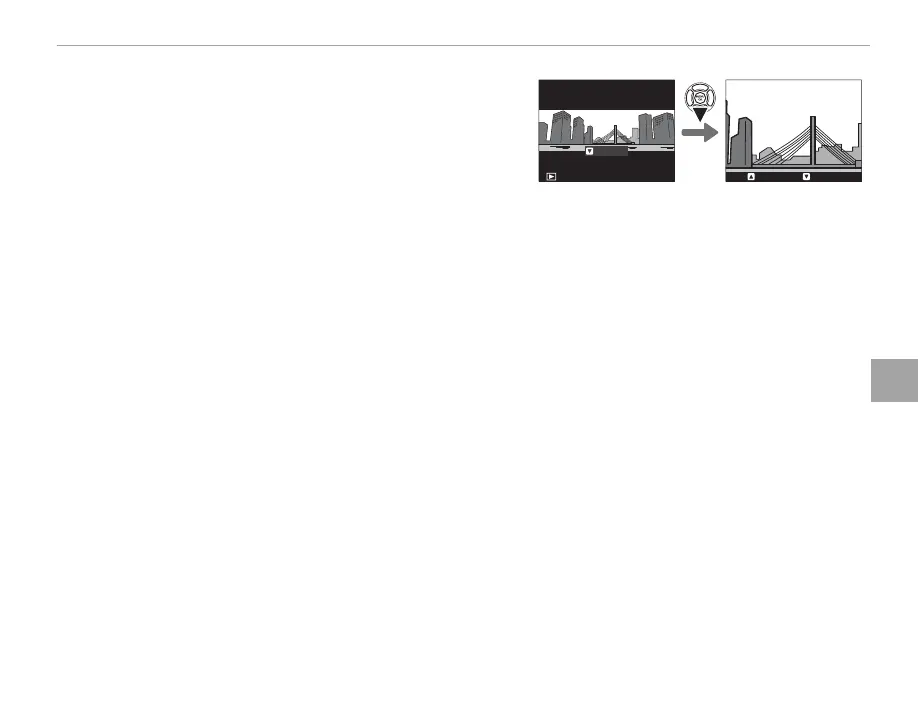
■ Viewing Panoramas
To zoom in on a panorama in full-frame playback, press the
k button and use the k and n buttons to zoom in and
out. Alternatively, you can play the panorama back using
the selector. Press the selector down to start playback and
press again to pause. While playback is paused, you can
scroll the panorama manually by pressing the selector left or right; vertical panoramas will scroll verti-
cally, horizontal panoramas horizontally. To exit to full-frame playback, press the selector up.
PLAY
STOP PAUSE



 To Next Page