4
Parts of the Camera
The Indicator Lamp
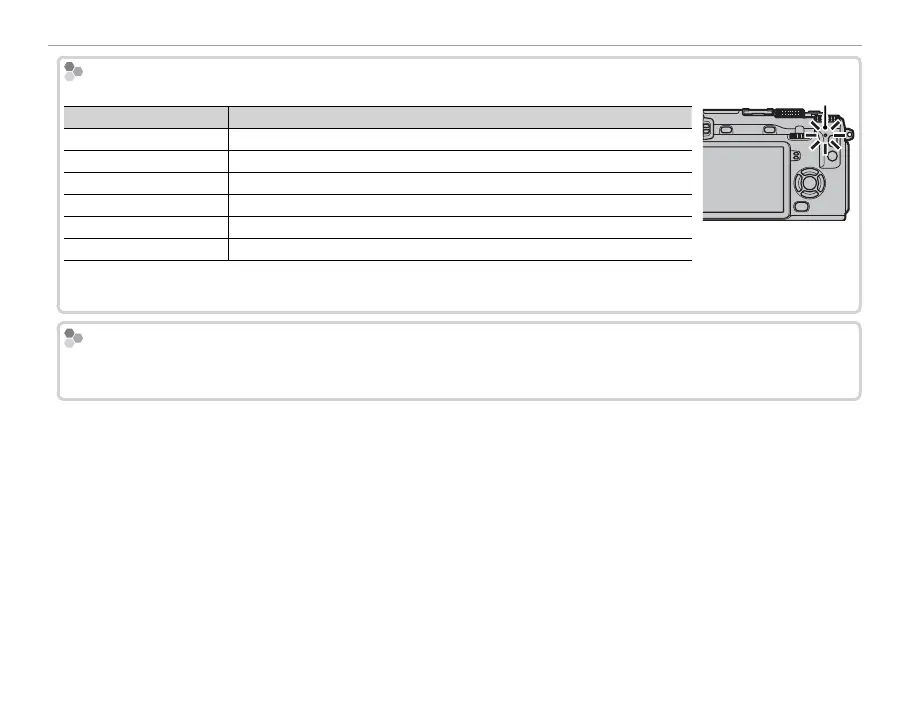
The indicator lamp shows camera status as follows:
Indicator lamp
Camera status
Glows green Focus locked.
Blinks green Blur, focus, or exposure warning. Picture can be taken.
Blinks green and orange Recording pictures. Additional pictures can be taken.
Glows orange Recording pictures. No additional pictures can be taken at this time.
Blinks orange Flash charging; ash will not re when picture is taken.
Blinks red Lens or memory error.
Indicator lamp
R Warnings may also appear in the display (P 140).
R The indicator lamp remains o while the view nder is in use (P 24).
Control Lock
To prevent accidental operation of the selector and AE-L and AF-L buttons during shooting, press MENU/OK until
X is displayed. The controls can be unlocked by pressing MENU/OK until X is no longer displayed.



 To Next Page