16
SELECTING THE DATE MODE
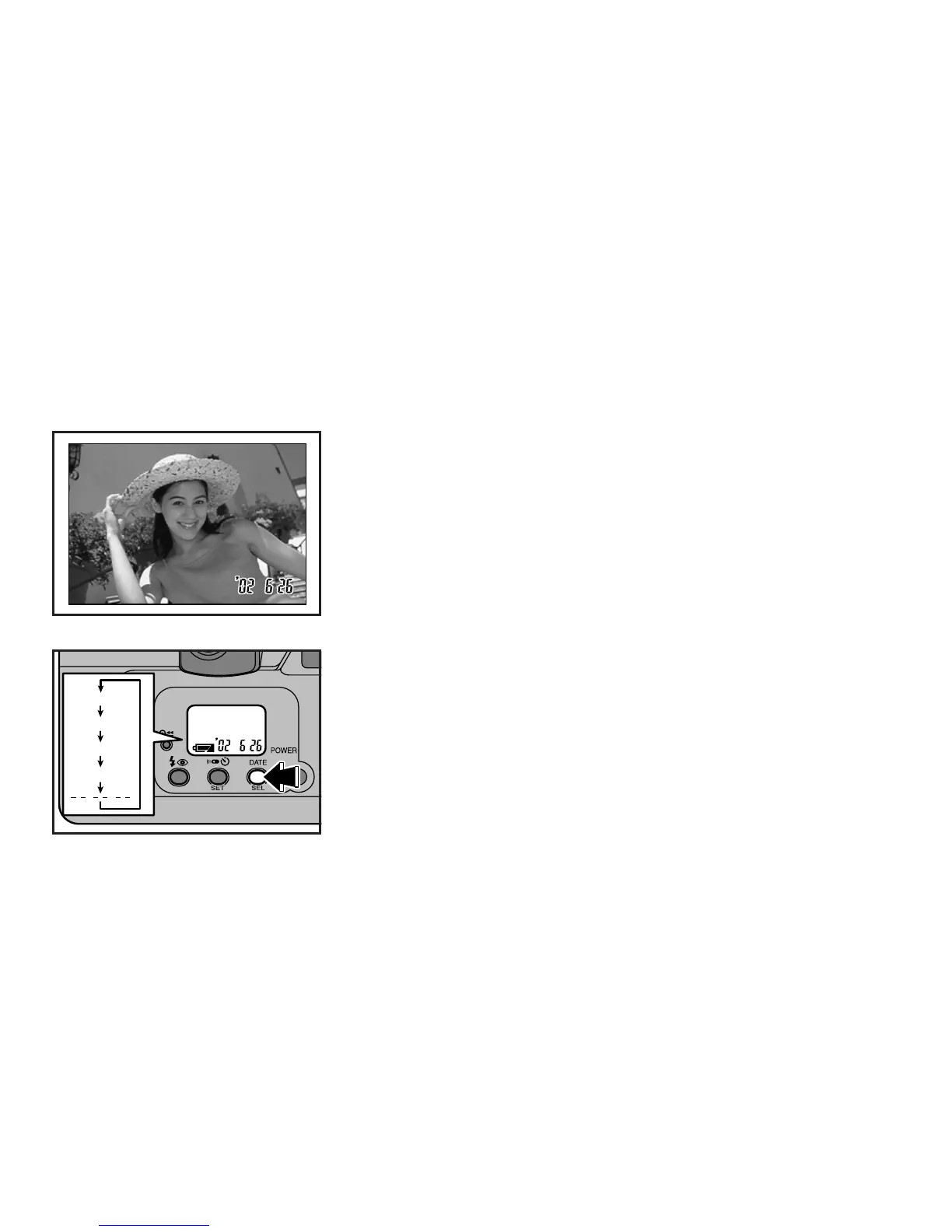
The date and time (year-month-day/ hour-minute) will be imprinted at the lower right
of the photograph.
∗
The date display printed on the front of the picture may not be clearly visible against a dark
background.
Y M D
M D Y
D M Y
D T
Y : Year M : Month D : Day T : Time
Turn the camera on, and then press the DATE button to enter date/time mode. The
date/time mode changes in the order shown in the illustration.
∗
If “- - - - - -” is chosen, no date will appear on the photograph.



 To Next Page