41
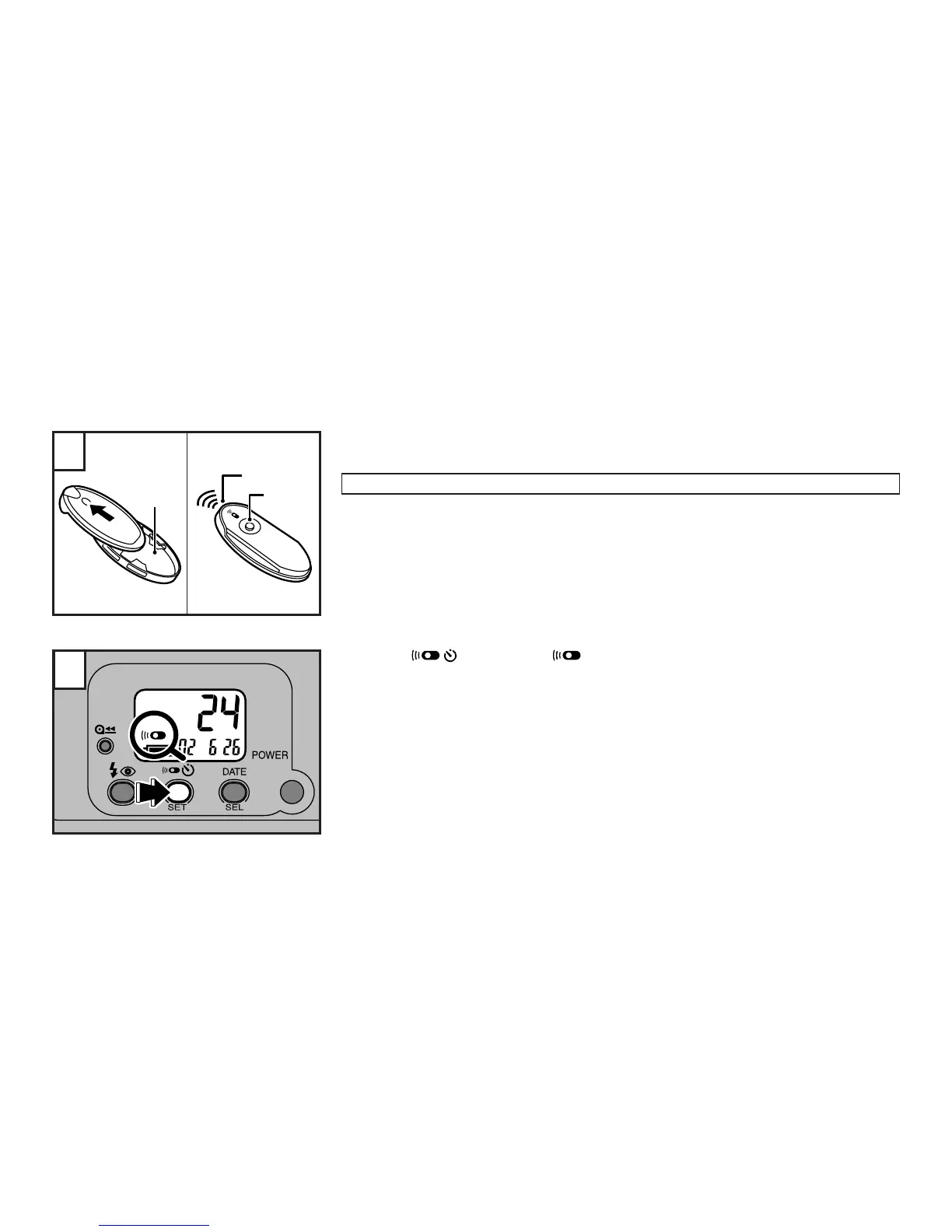
A
B
C
1
2
USING THE REMOTE CONTROLLER
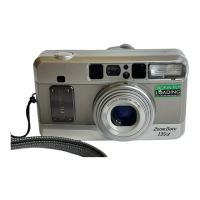
(on the Zoom Date 115SR only)
A FUJIFILM remote controller is required.
Remove the remote controller from its holder by sliding it in the direction of the arrow.
A : Remote controller holder
B : Transmitter
C : Shutter release button
∗
To replace the remote controller in the holder, slide the remote controller in the direction oppo-
site to the arrow until it clicks into position.
∗
The specific remote controller may be different from the one shown in the illustration.
Press the button, until “ ” appears on the LCD.
∗
The remote control mode is displayed after the self-timer mode.
∗
The exposure modes can also be selected in the remote control mode.



 To Next Page