39
USING THE SELF-TIMER
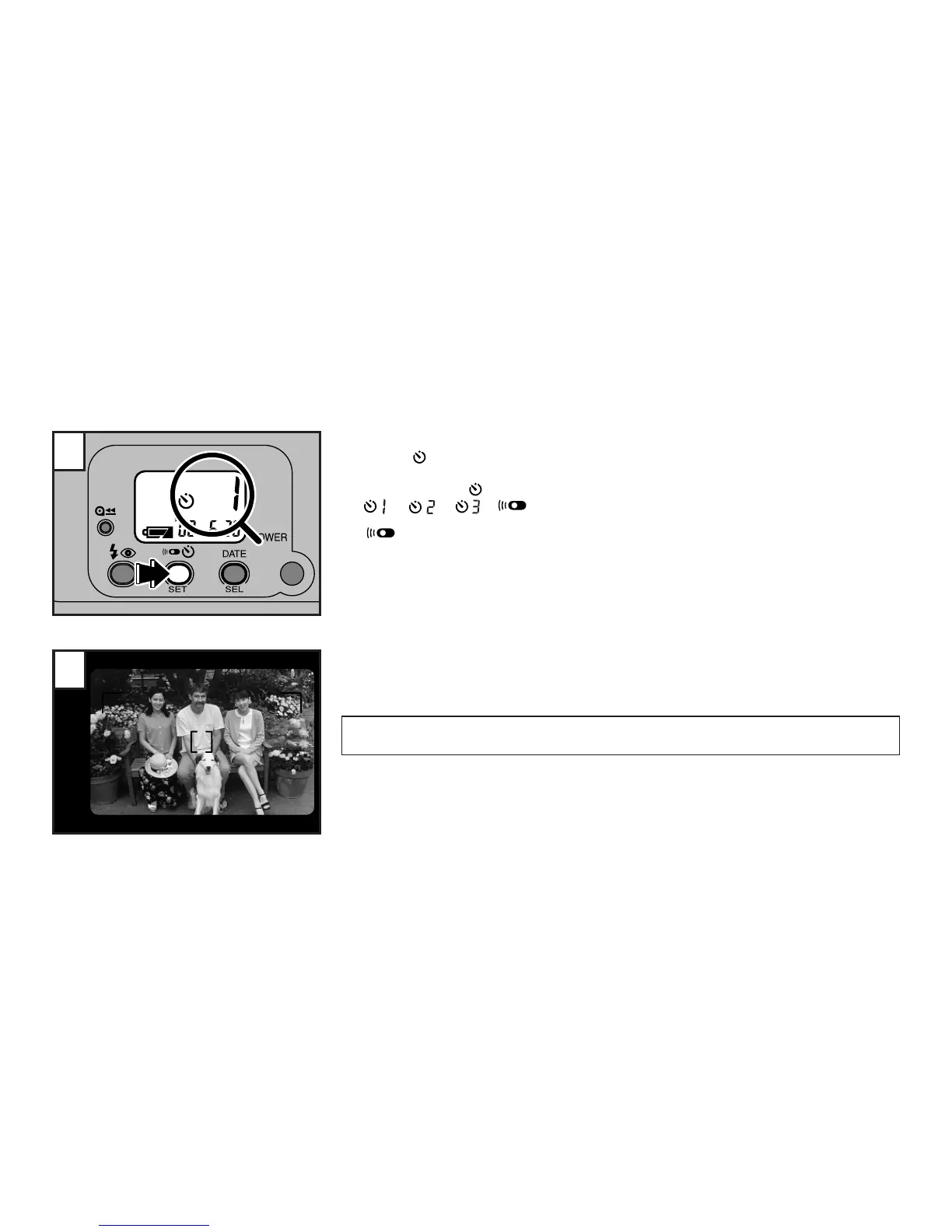
Press the button.
☞
The self-timer can be used to take up to 3 consecutive exposures.
☞
Each press of the button changes the self-timer mode in the following order:
→→→
∗
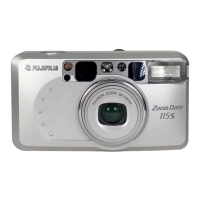
“ ” indicates the remote control mode. (on the Zoom Date 115SR only) (→p.41)
∗
The exposure modes can also be selected in the self-timer mode.
1
2
Compose the picture and press the shutter release button.
☞
The camera focuses on the subject that the AF frame is positioned over, and then the self-timer
starts.
∗
You can select the Auto-Focus lock mode also. (→p.26)
When pressing the shutter release button, do not stand in front of the camera. This may cause a
focusing error or underexposure.



 To Next Page