Connecting external d evices
Preparing your AMILO GraphicBooster for use
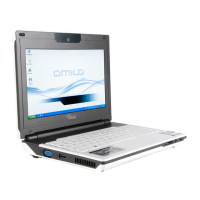
► Switch your AMILO noteboo k on.
► Log onto the operating system.
► Connect th e AMILO GraphicBooster to the mains supply.
► Connect a monitor to the HDMI or DVI-I port o f the AMILO GraphicBooster.
► Switch the monitor on.
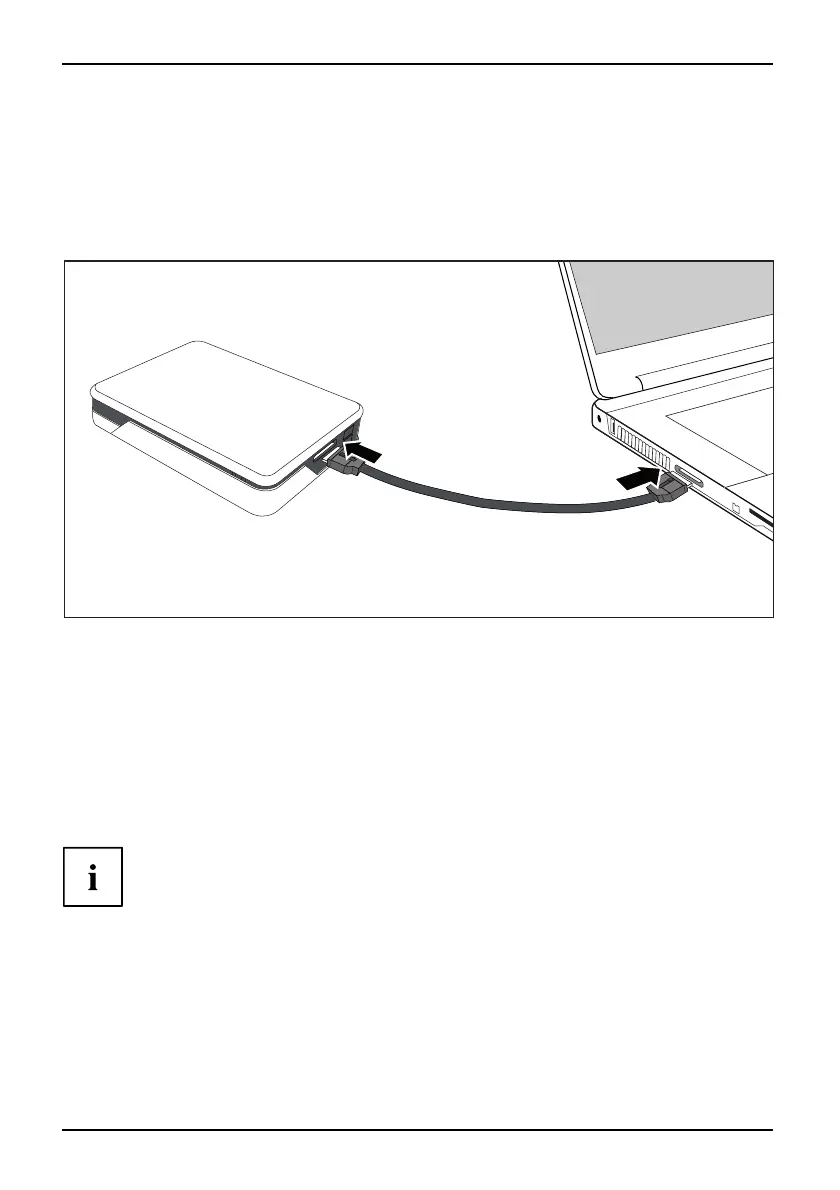
► Connect the AMILO GraphicBooster to your AMILO notebook using the supplied cable.
The left-hand status in
dicator on the AMILO GraphicBooster lights up blue.
► Follow the instructions on the screen and restart your AMILO notebook when prompted.
The right-hand status in
dicator on the AMILO GraphicBooster lights up blue.
The desktop of the m onitor connected to the AMILO G raphicBooster is s et up
as the primary desktop with the n umber 3.
or
The desktop of the m onitor connected to the AMILO G raphicBooster is s et up
as the secondary desktop w ith the number 3.
While the drivers for your monitor are being installed, the monitor
may turn b lack or flicker for a short time.
62 A26391-K90-Z200-1-7619, edition 1






 To Next Page