115
How to operate the receiver with an optional CD changer connected
Buttons 1 2 3456
CD 123456
7 8 9 101112
To select a CD from nos. 7 to 12, press the desired button
considerably longer.
Press the [SEL] button for less than one second.
1
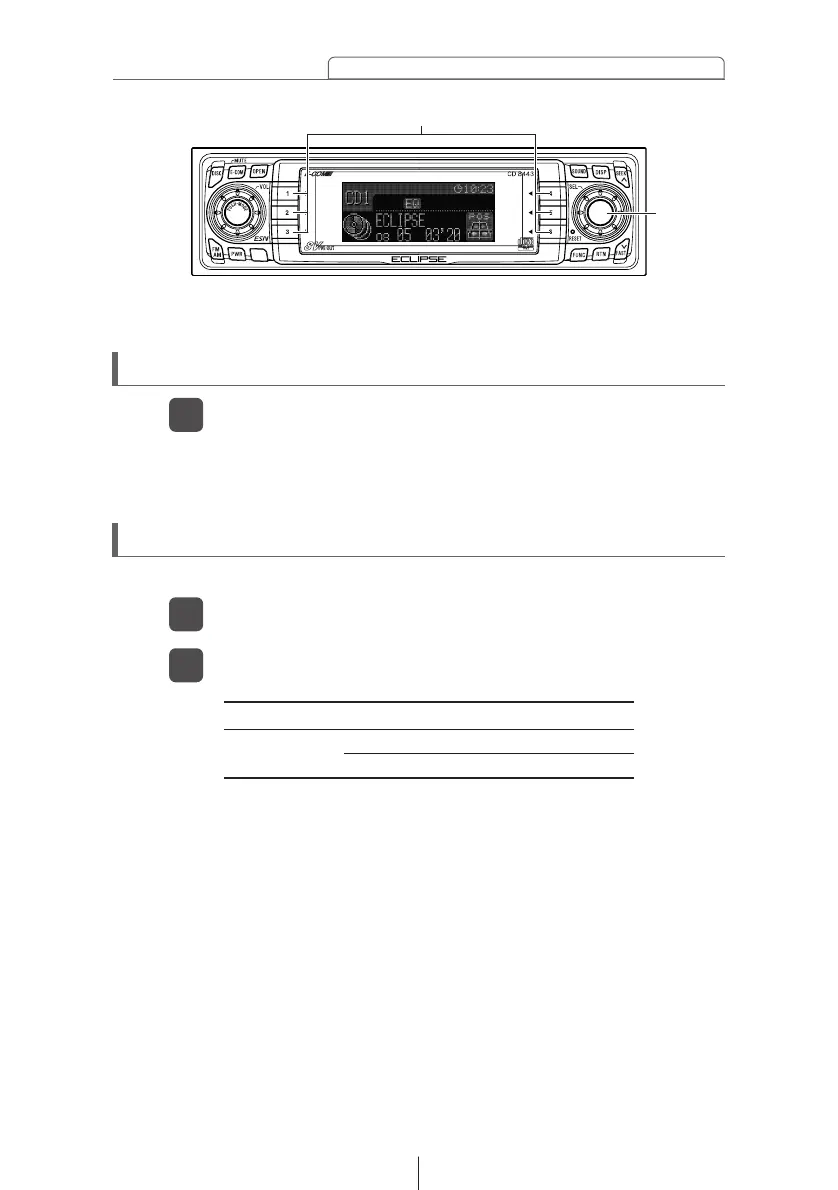
Press a button from [1] to [6].
2
Specifying a CD to play
A CD of your choice is directly selectable out of the loaded discs.
Buttons [1] to [6]
[SEL]
button
Skipping to the next or previous CD
Press button [1] or [2].
1
Button [1]: Selects the next higher number disc.
Button [2]: Selects the next lower number disc.



 To Next Page