55
How to operate the MP3 player
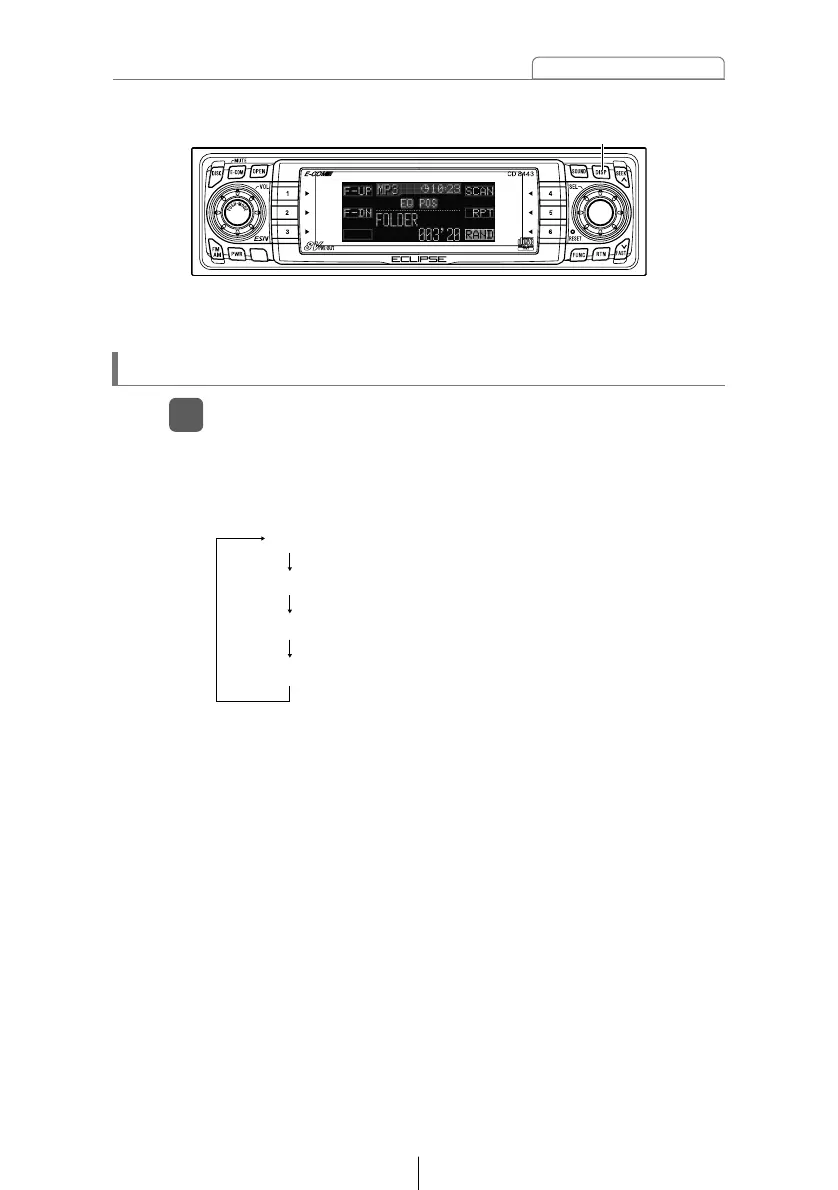
The title display details and display mode change as follows
each time the button is pressed. (Refer to page 37 for details
on the display mode.)
*: The display area shows a maximum of 10 characters and
then scrolls to display the remaining characters.
After the folder name is displayed, the file name will be
displayed by scrolling. After the file name is scrolled, the
display will be fixed.
Displaying title
Press the [DISP] button for more than one second.
1
[DISP] button
Folder Name / File Name * (Display mode:A mode)
Folder Name / File Name * (Display mode:B mode)
Tag (Display mode:A mode)
Tag (Display mode:B mode)



 To Next Page