53
How to operate the MP3 player
Press the button briefly to play just the first 10 seconds of each
song for all the files in the same layer of the folder being
played.
Pressing the button until [FOLDER SCAN] is displayed will play
just the first 10 seconds of the first song in each folder.
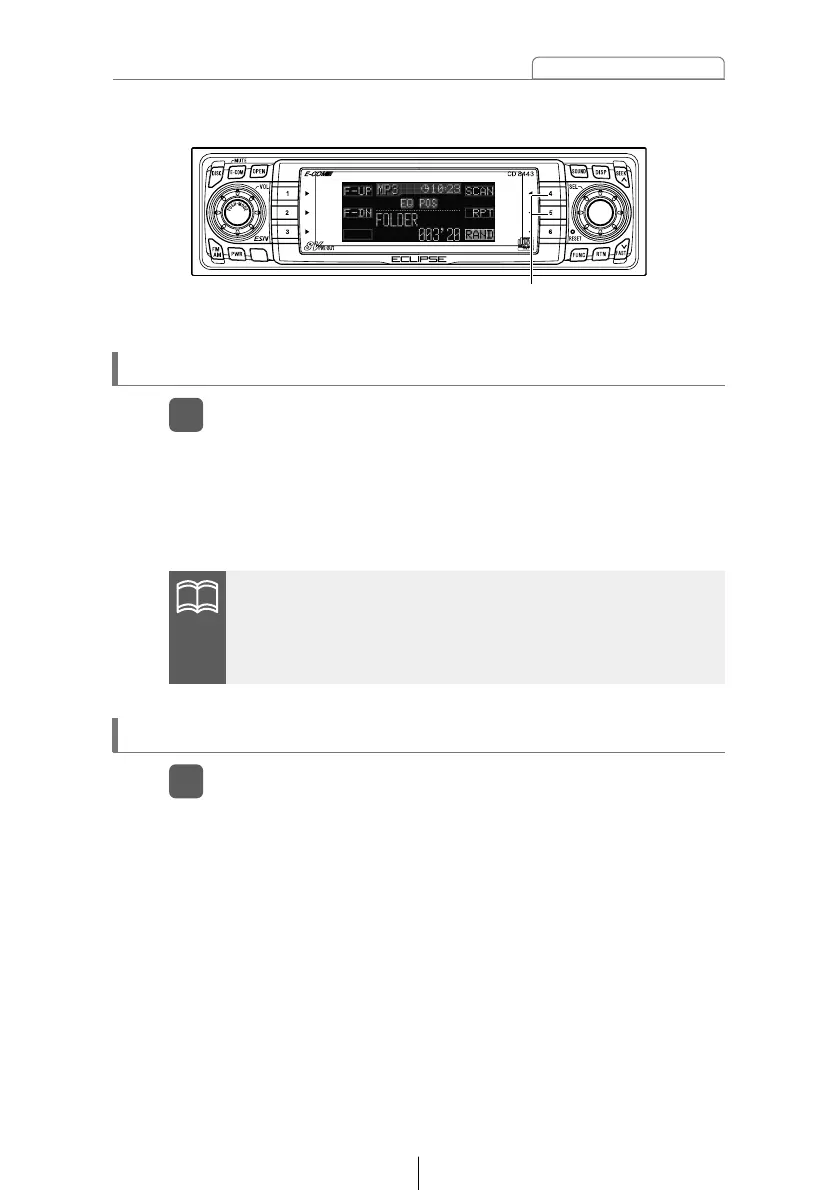
Playing the beginning of files (SCAN)
Press button [4].
1
Press the button briefly to repeat the file being played.
Pressing the button until [FOLDER RPT] is displayed will repeat
all the files in the same layer as the folder being played.
To cancel, press button [5] again.
Repeating the same file (REPEAT)
Press button [5].
1
•To coutinue playing a desired file, press the button again to
stop scanning.
•After the entire disc is scanned once, ordinary playback starts
from the point where scanning started.
Buttons [4] and [5]



 To Next Page