27
Basic operation
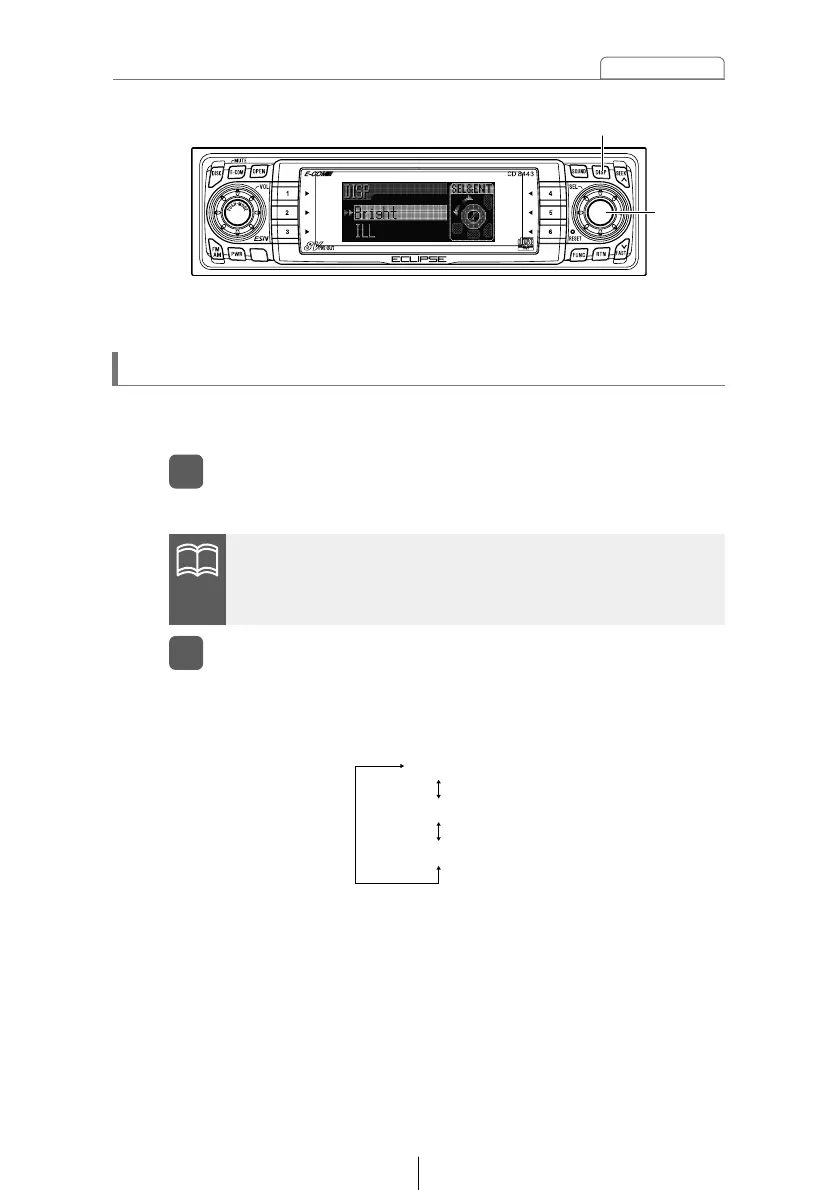
This mode lets you adjust the display brightness, change the button
illumination color and turn the display on and off.
Enters display adjustment mode.
Making changes with Display Adjustment Mode
Press the [DISP] button for less than one second.
1
[DISP] button
[SEL]
button
When the button is turned, the setting item changes in the
following order and the selected item is highlighted.
Turn the [SEL] button in either direction to display setting
items for selection.
2
If you press the [DISP] button during display adjustment mode,
the display adjustment mode is canceled and the mode returns
to normal music mode.



 To Next Page