54
How to operate the MP3 player
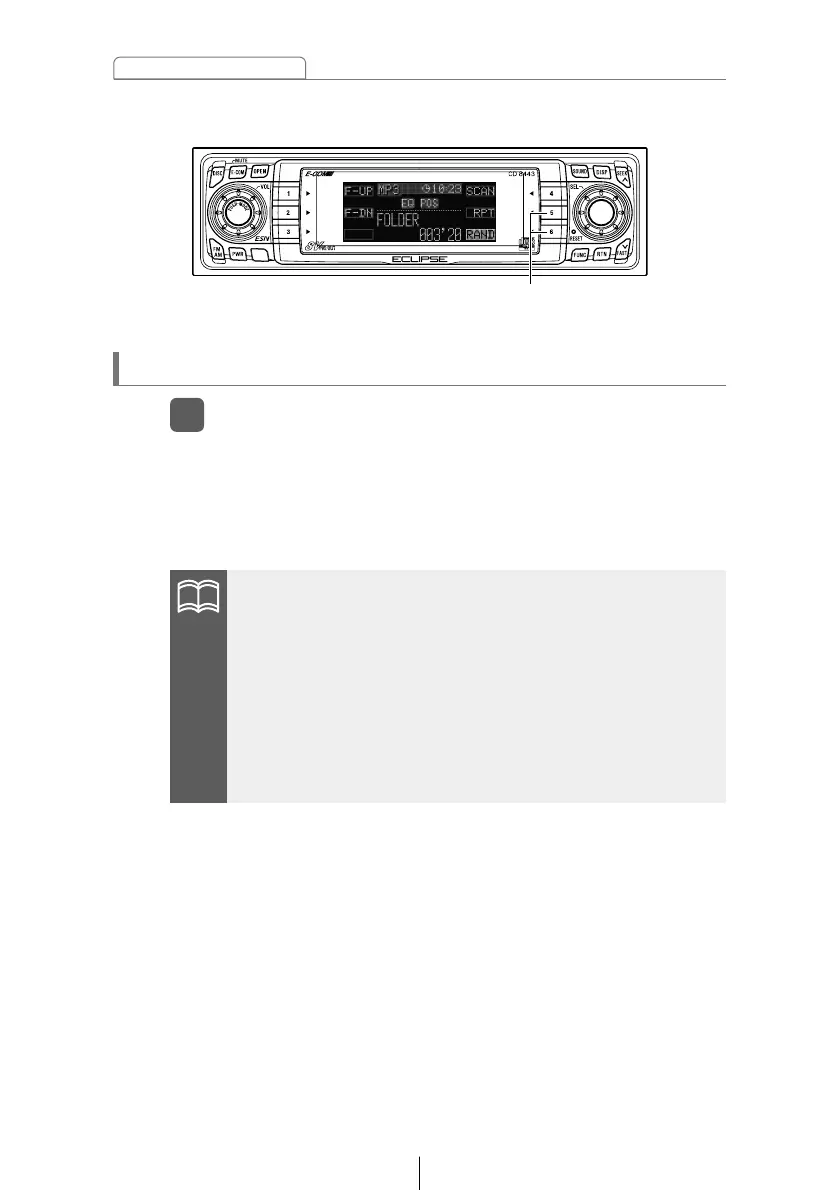
Press the button briefly to randomly play the files in the same
layer as the folder being played.
Pressing the button until [FOLDER RAND] is displayed will
randomly play the files in all the folders.
To cancel, press button [6] again.
Playing files in random order (RANDOM)
Press button [6].
1
•Doing random playback, press button [5] to repeat the file
being played. To cancel repeat play (go back to random play),
press button [5] again.
During playback a particular file: The file being played is played
repeatedly.
During searching: The following file is played repeatedly.
•Occasionally the same file happens to be played (selected) two
or more times in a row; this is normal operation and is no sign of
a problem.
Buttons [5] and [6]



 To Next Page