28
Basic operation
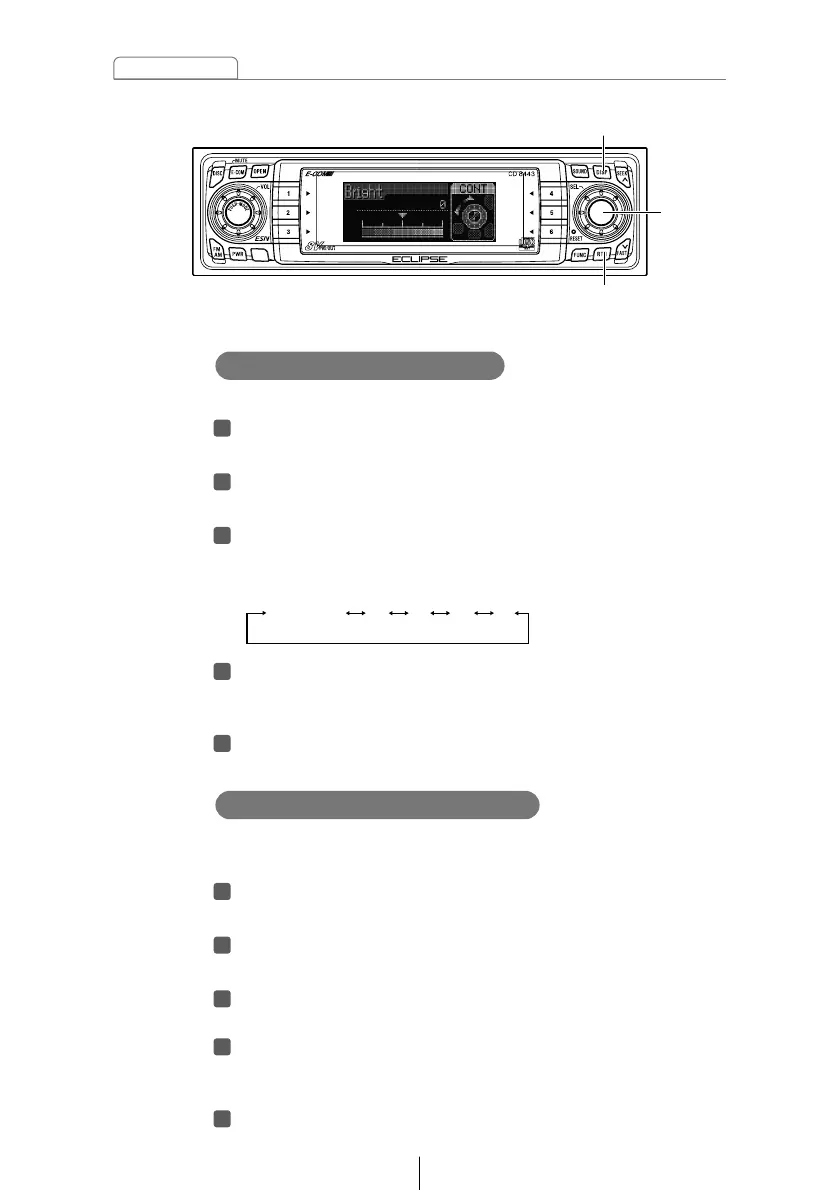
[DISP] button
[RTN] button
You can change the button illumination color in the following
way.
Turn the [SEL] button to select ILL.
The selected item will be highlighted.
Press the [SEL] button.
The screen for changing the illumination color will appear.
Turn the [SEL] button to select Green or Red.
The selected item will be highlighted.
Press the [RTN] button.
At this time, other adjustments can also be made in display
adjustment mode.
Press the [DISP] button to exit display adjustment
mode.
Changing Illumination Color
[SEL]
button
Adjust the display brightness to the best level.
Turn the [SEL] button to select Bright.
The selected item will be highlighted.
Press the [SEL] button.
The mode will change to luminance adjustment mode.
Turn the [SEL] button to adjust brightness.
When the button is turned, the brightness level changes in
the following order.
Press the [RTN] button.
At this time, other adjustments can also be made in display
adjustment mode.
Press the [DISP] button to exit display adjustment
mode.



 To Next Page