86
How to operate the Sound Adjustment Mode
Operations during Pro Mode
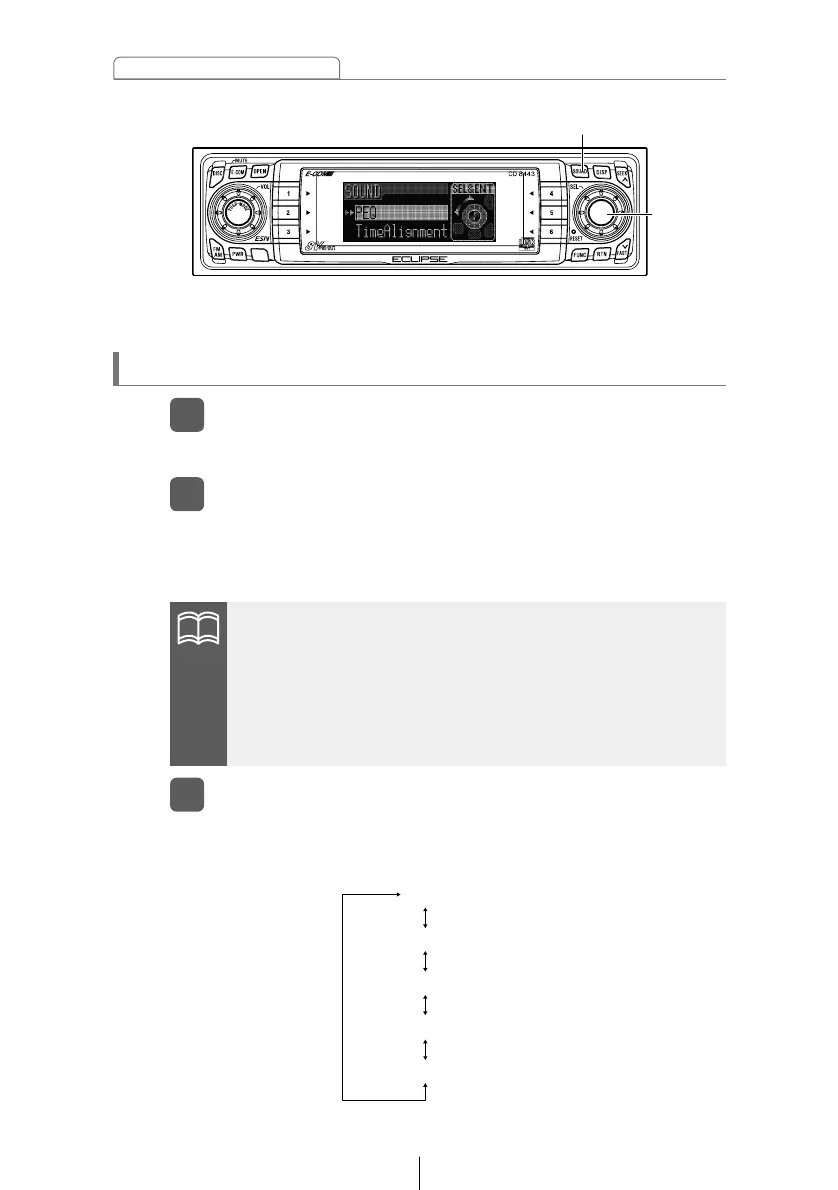
Turn the [SEL] button to select a setting item.
3
When the button is turned, the setting item changes in the
following order and the selected item is highlighted.
Press the [SOUND] button for less than one second.
1
The mode will switch to sound adjustment mode.
Press the [SOUND] button for more than two seconds.
2
The mode switches between normal mode and pro mode each
time the button is pressed. During pro mode, "PRO MODE ON"
and the scroll display appear in the display.
*: This is displayed only if E-COM is connected.
[SEL]
button
•If the vehicle is equipped with a 3-way speaker system, do not
change from pro mode to normal mode. Doing so may cause
damage to the speakers.
•If you press the [SOUND] button during sound adjustment
mode, the adjustment mode is canceled and the mode returns
to normal music mode.



 To Next Page