35
Basic operation
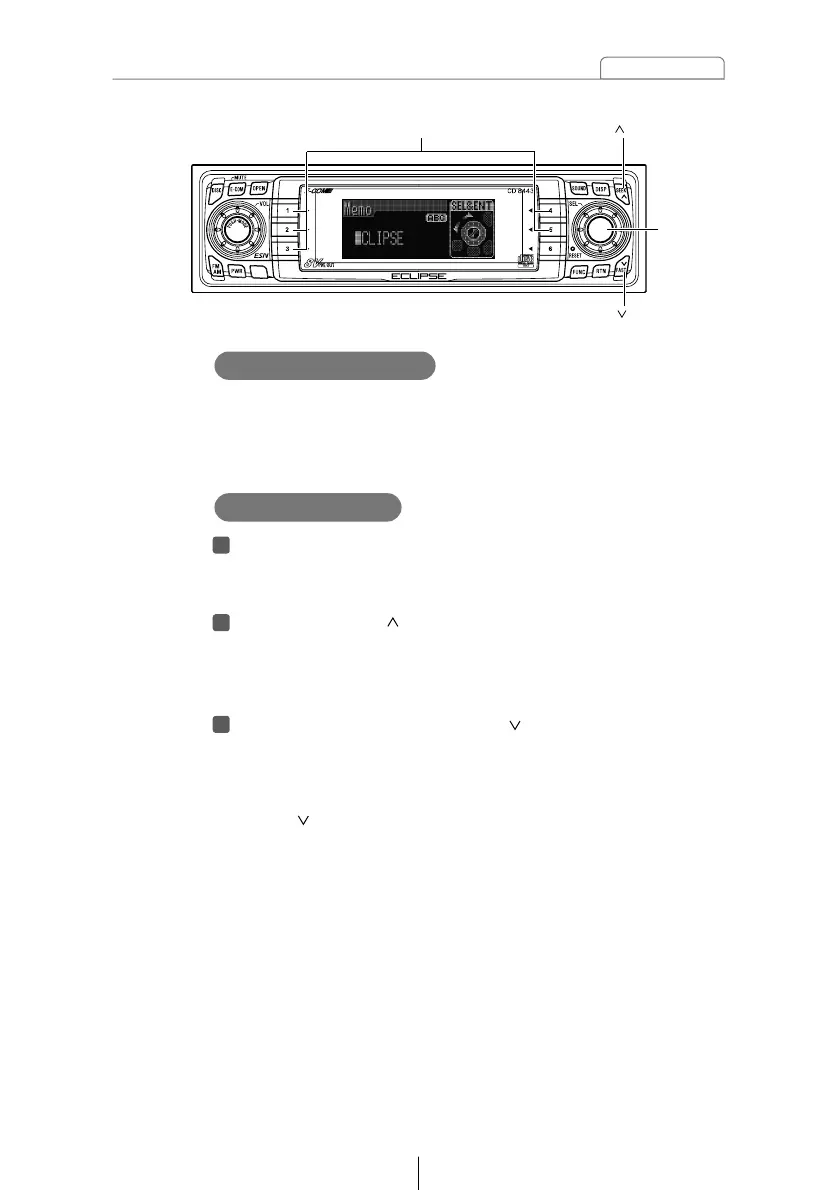
If memos have been set, a memo recorded corresponding to a
number button [1] to [5] appears on the screen when the
number button is pressed briefly while the power of the main
unit is turned off.
Displaying a memo
Press and hold any number button for more than two
seconds while in the Standby mode.
The state shifts to the MEMO setting mode.
Press the [SEEK ] button to select the character type.
Pressing the button will switch types from [ABC] (alphabet
characters) to [123] (numeric characters) and then [!&?]
(symbols).
Press either [SEL] or [FAST ] button to select the
position in which to enter the character.
The character will be inserted where the cursor is flashing:
[SEL] button: Moves the cursor to the right.
[FAST ] button: Advances the cursor to the left.



 To Next Page