47
How to operate the CD player
Displaying CD text
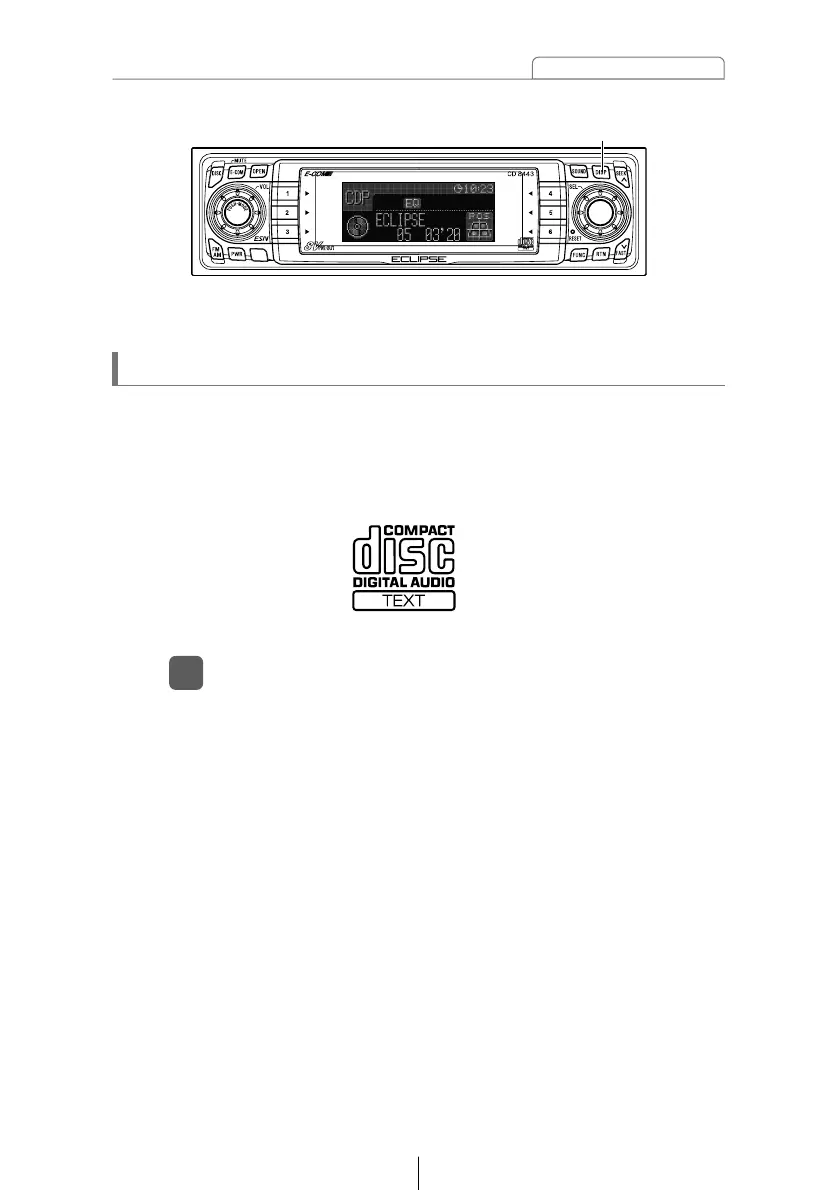
Press the [DISP] button for more than one second.
1
Pressing the [DISP] button while text is displayed scrolls the
display in the order DISC title ➔ TRACK title, and then the
display stops with the TRACK title.
At this time, the display mode also switches between A mode
and B mode. (Refer to the "Changing the display mode" section
on page 37.)
[DISP] button
Only the built-in CD player supports CD TEXT. It can not be
displayed with the optional CD changer. If the CD came with a logo
shown below, it is recorded with a disc title and track titles. These
information will be displayed during playback.



 To Next Page