74
How to operate the Sound Adjustment Mode
EQ (equalizer) mode can be used to adjust the frequency of
the audio channels being played back in accordance with the
genre and instruments of the music being played. In addition,
correction of the frequency characteristics inside the vehicle is
also possible using the 13-band graphic equalizer and the
single-band parametric equalizer.
Switching equalizer modes
The equalizer mode can be selected as follows.
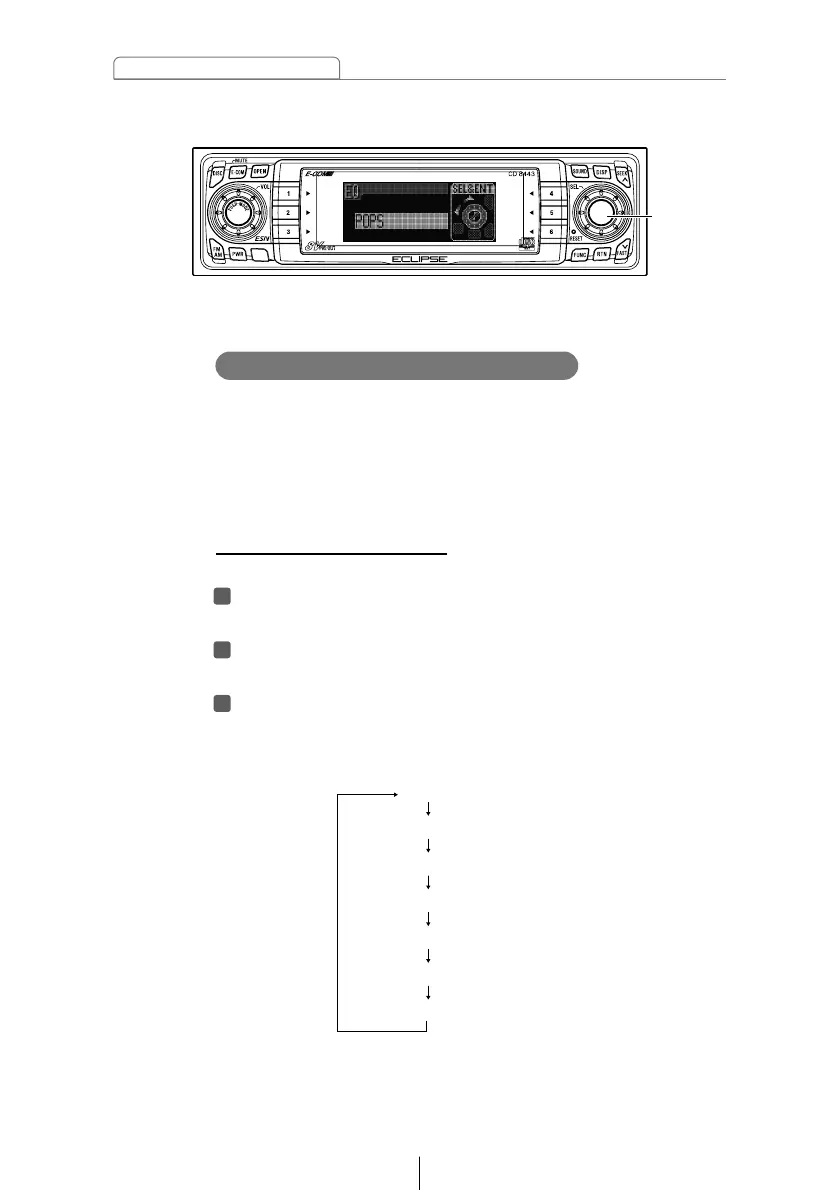
Turn the [SEL] button to select EQ.
The selected item will be highlighted.
Press the [SEL] button.
The mode will change to equalizer adjustment mode.
Press the [SEL] button for less than one second.
Each time the button is pressed, the setting item changes
in the following order and the selected item is highlighted.



 To Next Page