78
How to operate the Sound Adjustment Mode
[SEL]
button
Press the [SEL] button for more than one second.
The mode will return to equalizer setting mode.
Press the [RTN] button.
At this time, other adjustments can also be made in normal
mode.
Press the [SOUND] button for less than one second to
exit sound adjustment mode.
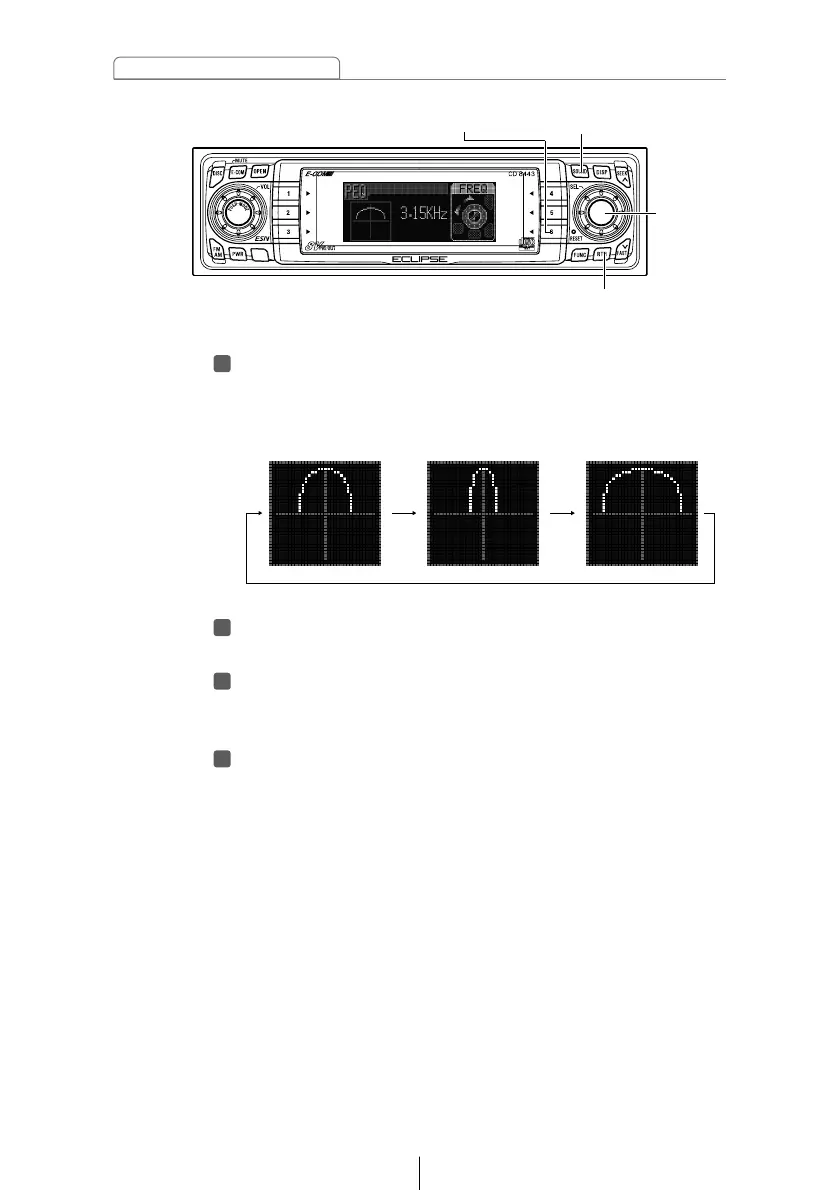
Press the [6] button to select the Q curve pattern.
Each time the button is pressed, the Q curve changes in
the following order.



 To Next Page