When updating software, press the [DISP] button to measure and
display the frequency characteristics.
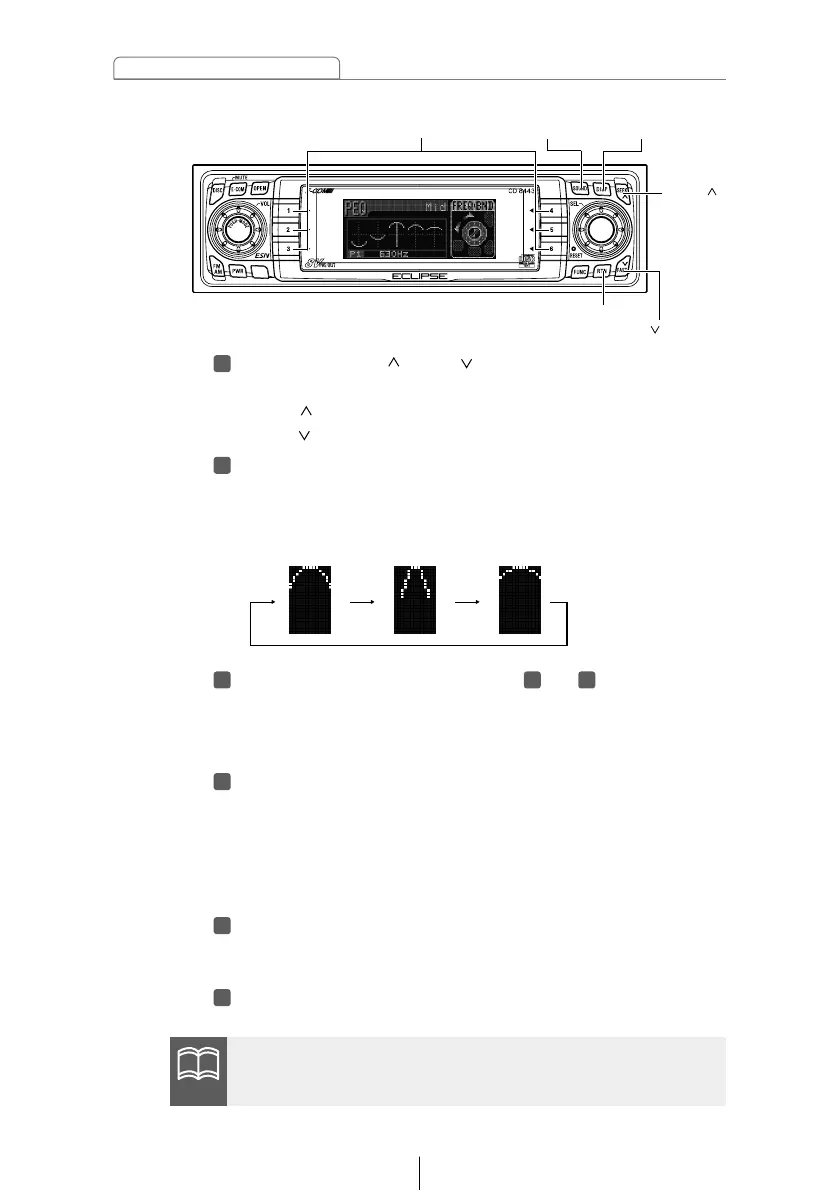
Press the [SEEK /FAST ] button.
This adjusts the frequency level.
[SEEK ] button: Increases level.
[FAST ] button: Decreases level.
Press the [6] button to select the Q curve pattern.
Each time the button is pressed, the Q curve changes in
the following order.
Repeat the operations in steps to to change the
settings for each channel and band.
The frequencies that have been adjusted for either the
channel or band cannot be selected.
Hold down a button, [1] to [5], for more than two
seconds to preset a value.
The preset value is overwritten by the value set using the
above steps.
The time alignment and crossover adjustments will also be
stored at this time.
Press the [RTN] button.
At this time, other adjustments can also be made in pro
mode.
Press the [SOUND] button for less than one second to
exit sound adjustment mode.



 To Next Page