fi-5000N Operator’s Guide AP-3
A
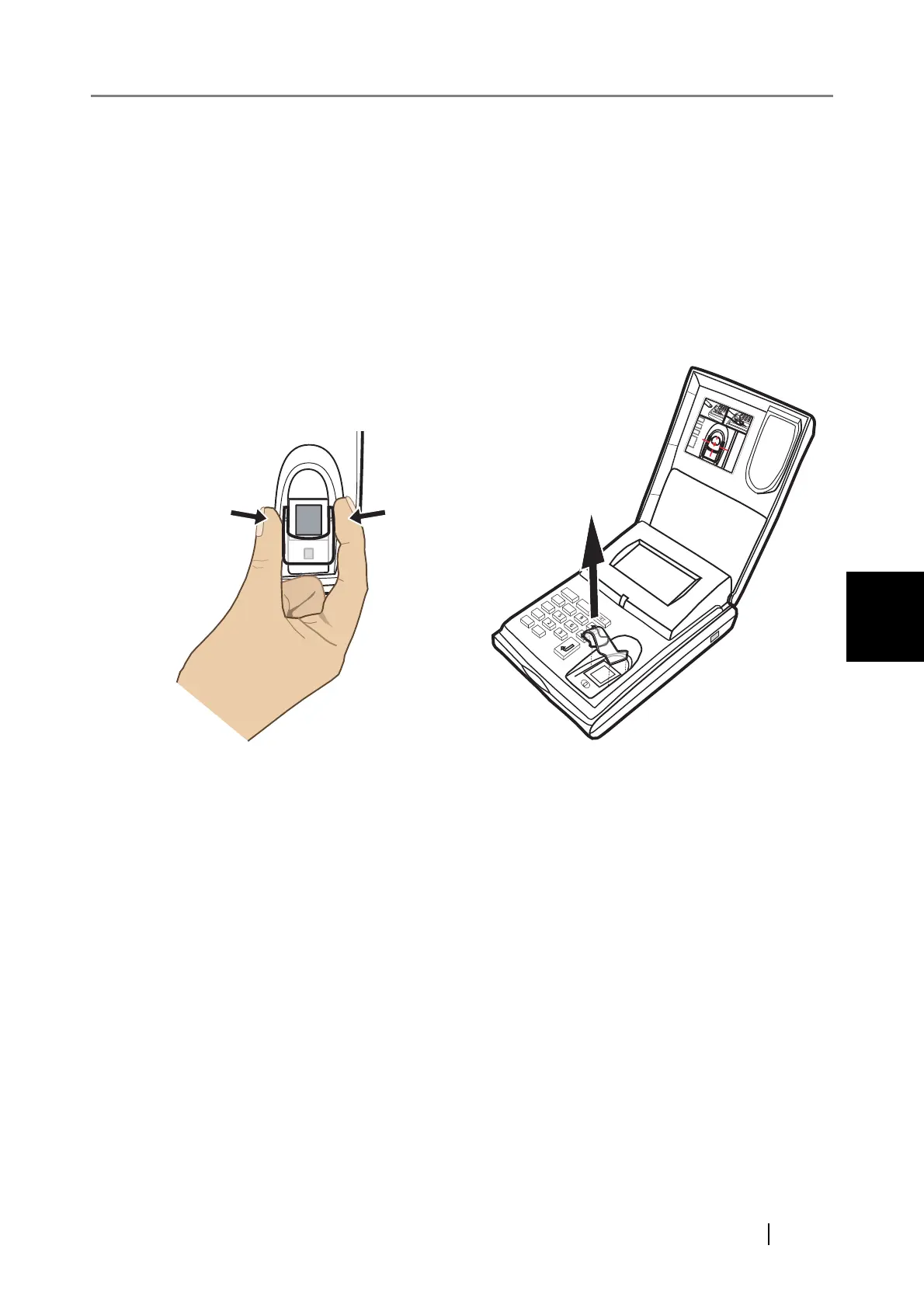
■ Removing Finger Guide
For the ease of fingerprint registration by letting you place your finger correctly, the Finger
Guide is installed on the fi-5000N fingerprint sensor area. When you get accustomed to
placing the finger correctly on the fingerprint sensor, you can remove the Finger Guide.
To remove the Finger Guide, follow the instructions below.
1) Hold both sides of the Finger Guide.
2) Squeeze the guide lightly to detach its pins.
3) Lift the guide up and remove it from the fi-5000N.
ESC
I D
7
8
4
1
0
.



 To Next Page