10
2.2 Keyboard
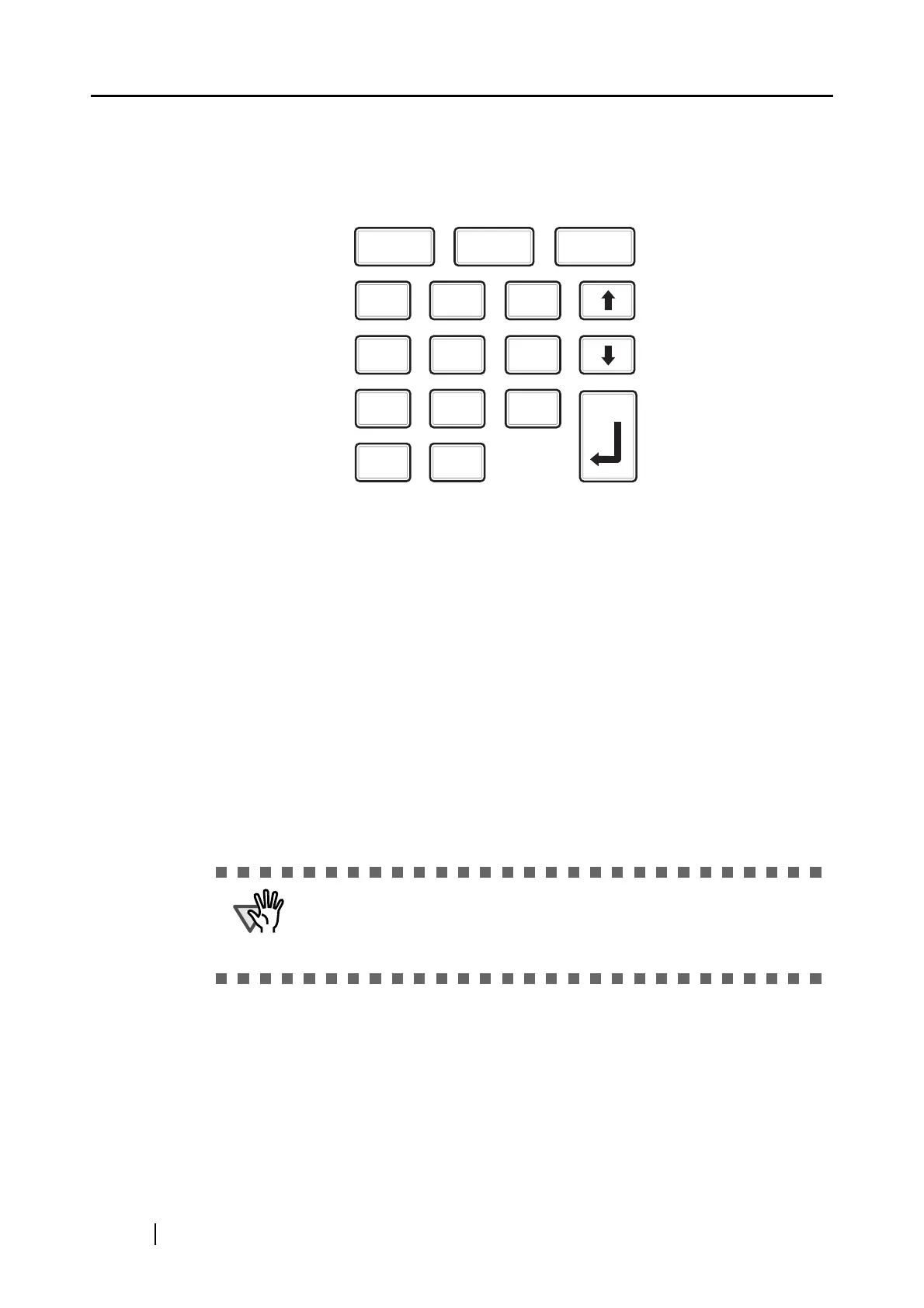
The following illustration shows the keyboard located under the white cover.
This keyboard is used for the following operations:
•
Fingerprint registration
• Login by PIN
• fi-5000N user PIN setting
• Displaying the network setting status
• Displaying the name of fi-5000N on the network
• Displaying the firmware version
• Displaying the status of the connected scanner
• fi-5000N network settings (administrator rights required)
• Pull mode user authentication settings (administrator rights required)
• Automatic logout time settings (administrator rights required)
• Message display's backlight automatic light-off (administrator rights required)
• Beep sound settings (administrator rights required)
• Host connection time-out settings (administrator rights required)
• fi-5000N language settings (administrator rights required)
• Initialization of fi-5000N settings
ATTENTION
The Administrator's PIN (Personal Identification Number) is neces-
sary to configure the settings which require the Administrator rights.
The Administrator's PIN can be set from the fi-5000N Configuration
Tool.
I D
7
0
1
4
8
5
9
6
2
.
ESC SET
3
ENT



 To Next Page