4.2 Installing ScandAll 21
fi-5000N Operator’s Guide 31
Installing and Setting Driver
4
4.2 Installing ScandAll 21
"ScandAll 21" is an image capturing software that complies with the TWAIN standard. The
FUJITSU TWAIN 32 scanner driver enables you to capture images with a FUJITSU image scanner
fi-series product.
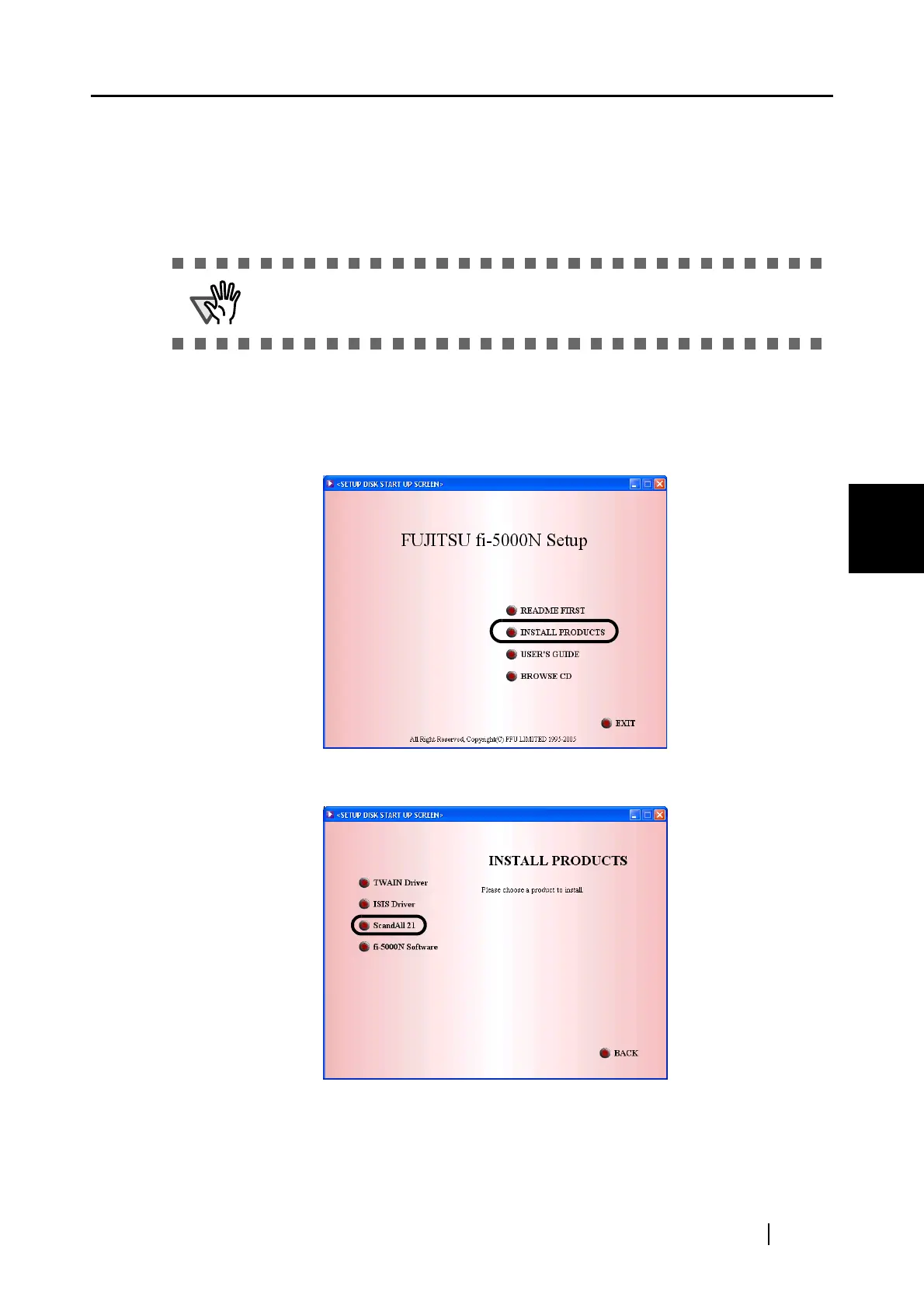
1. Insert the Setup CD-ROM into the CD drive.
⇒ <SETUP DISK START UP SCREEN> appears.
2. Click [INSTALL PRODUCTS].
3. Click [ScandAll 21] on the window below.
ATTENTION
When using Windows 2000 or Windows XP, log on as a user with "Administra-
tor" privileges (privileges of the administrator of your PC).



 To Next Page