70
6.1 Fingerprint Registration
For user authentication, register each user’s fingerprint information on this product. However,
injured users and users with difficulties in registering fingerprints can be authenticated by using a
PIN (personal identification number).
Register users' fingerprints following the procedure below.
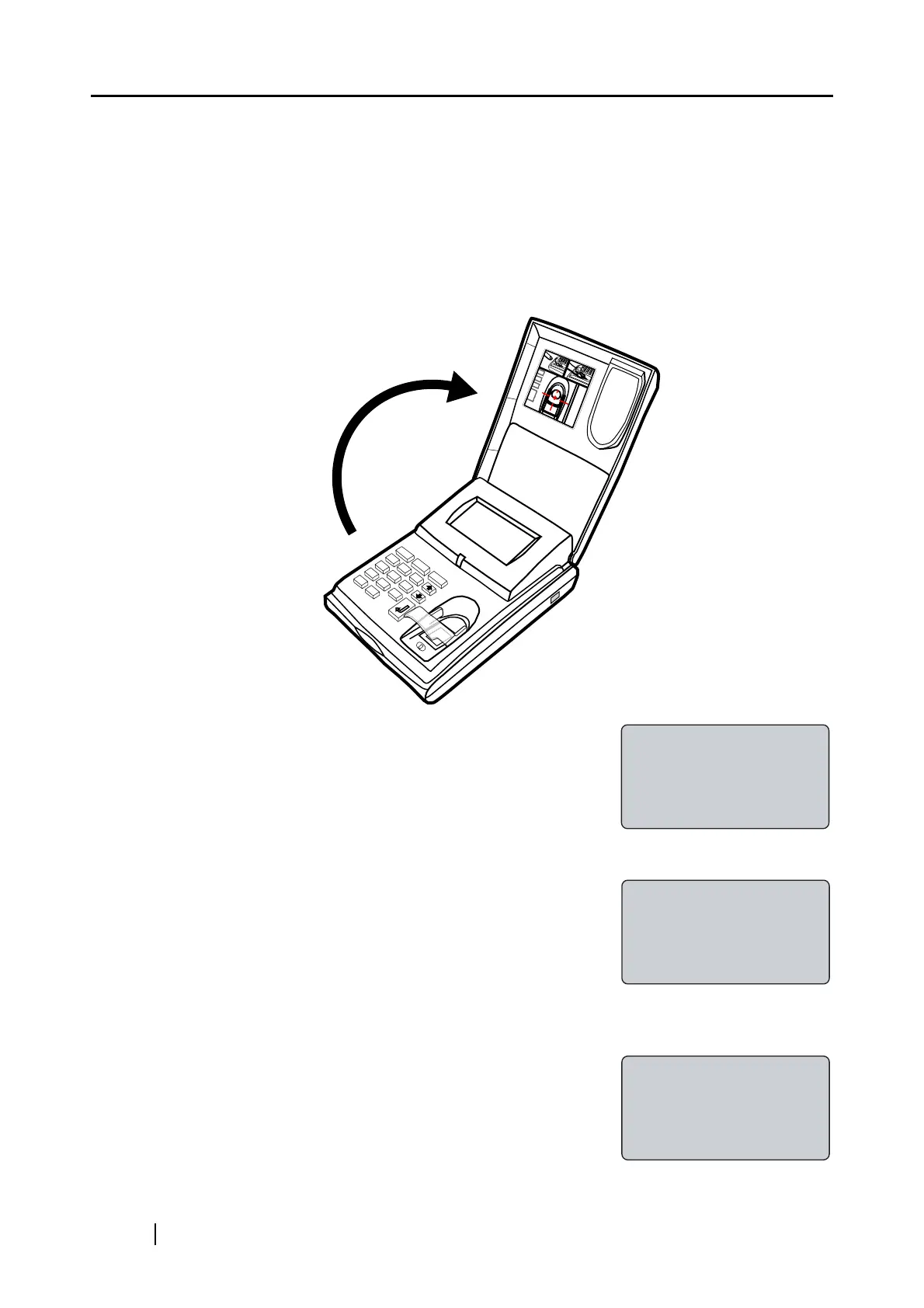
1. Open the Cover.
Confirm that the "Place your finger on the sensor" (this
indicates the "Logout" status) is displayed on the fi-5000N
Message Display.
2. Then press the [SET] key on the fi-5000N’s keyboard.
The following screen appears.
3. Select "Register Finger", and press the [ENT] key.
The list of registered users on fi-5000N appears.
ESC
I D
SET
7
8
9
4
5
6
1
2
3
0
.
Place your finger
on the sensor
Setup
Register Finger
Change PIN Code
Show Network Config
Select User
1(user's name)
2(user's name)
3(user's name)



 To Next Page