5.4 Managing User Information of fi-5000N
fi-5000N Operator’s Guide 51
Installing and setting the fi-5000N Software
5
5.4 Managing User Information of fi-5000N
You can register, change or delete the information of users on the fi-5000N using the user configu-
ration function.
To use this function, the Administrator PIN is required.
■ How to Start
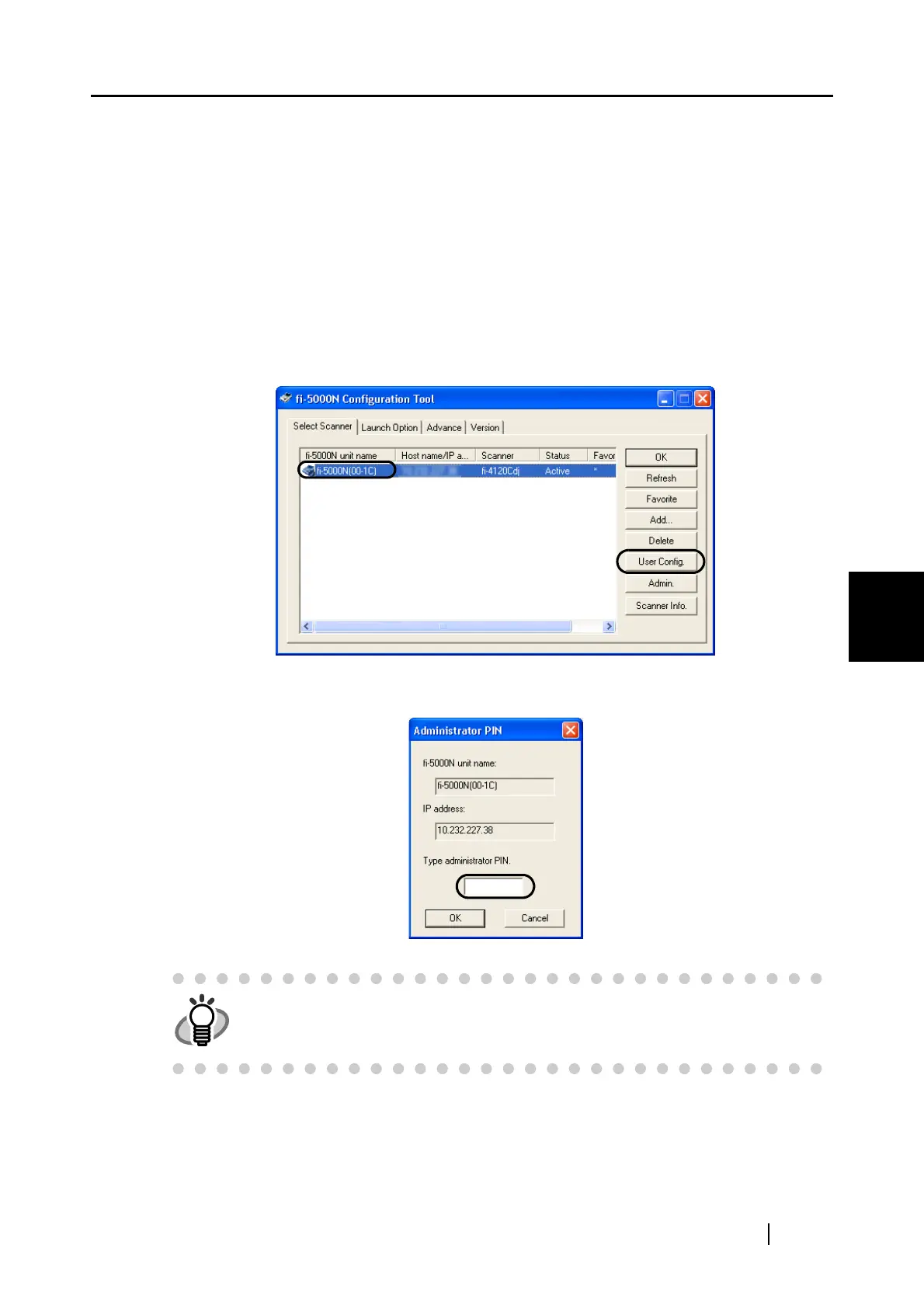
1. Select fi-5000N from the List View on the main screen on fi-5000N Configuration Tool,
and click the [User Config.] button.
2. The following screen appears. Enter the Administrator PIN, and click the [OK] button.
HINT
The default Administrator PIN is "5000".
You can use [Admin.] button to change it.
Refer to "5.5 fi-5000N Administrator Settings" (page 56) for more details.



 To Next Page