32
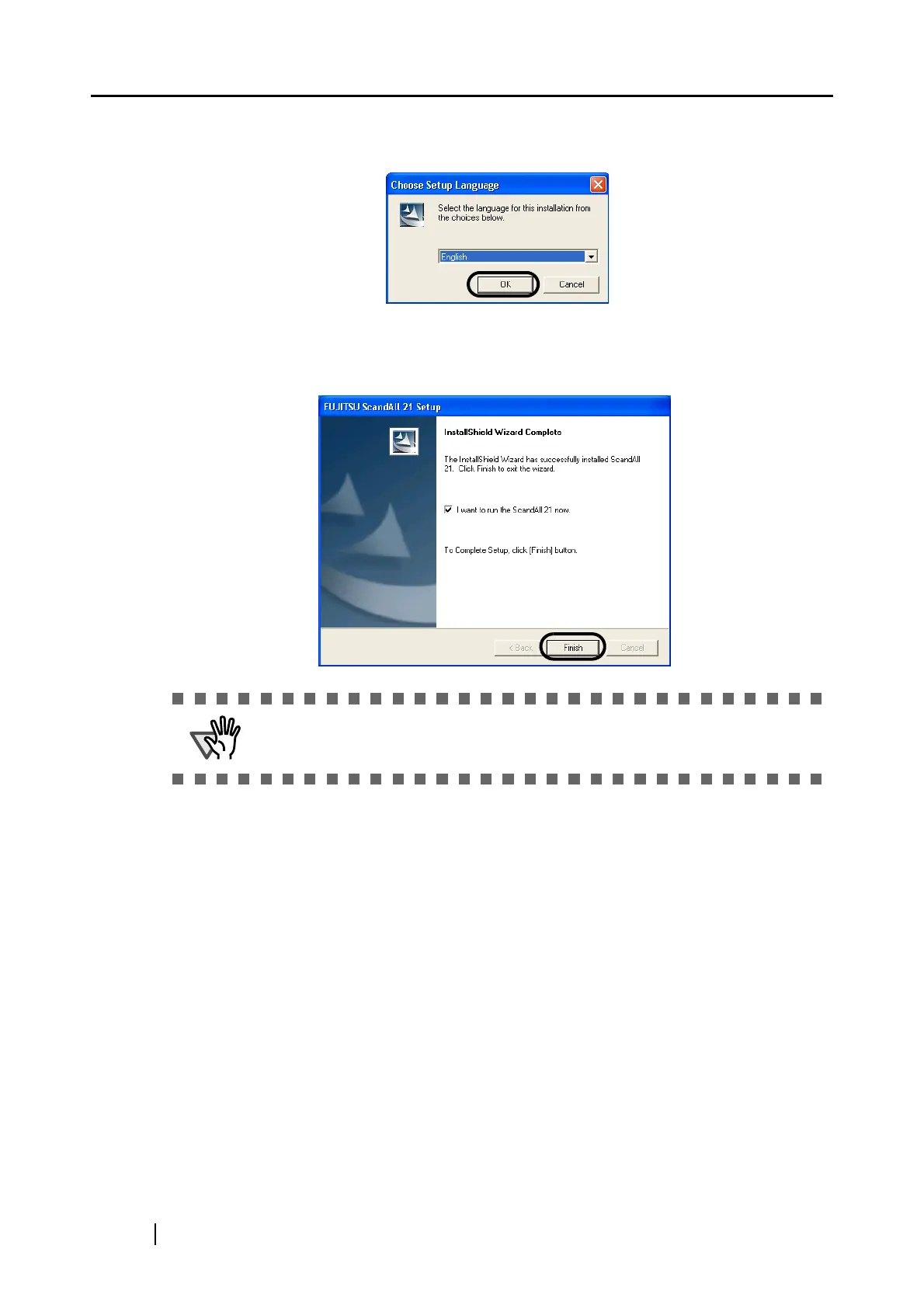
4. Select a language used for installation on [Choose Setup Language] window and click
[OK].
5. Install the application following the instructions on the window.
6. When the [InstallShield Wizard Complete] window appears, click [Finish].
ATTENTION
For finishing the installation, it may be necessary to restart your PC. Follow the
instructions on the window.



 To Next Page