22
4. With the [L] key, select "Pull Mode Authentic.", and press the [ENT] key.
The following screen appears.
5. To perform user authentication, select "Authenticate"; if authentication is unneces-
sary, select "Not authenticate" and then press the [ENT] key.
The following screen appears.
With this, the "Pull" mode user authentication setting is done.
The setting will take effect from the next scanning.
HINT
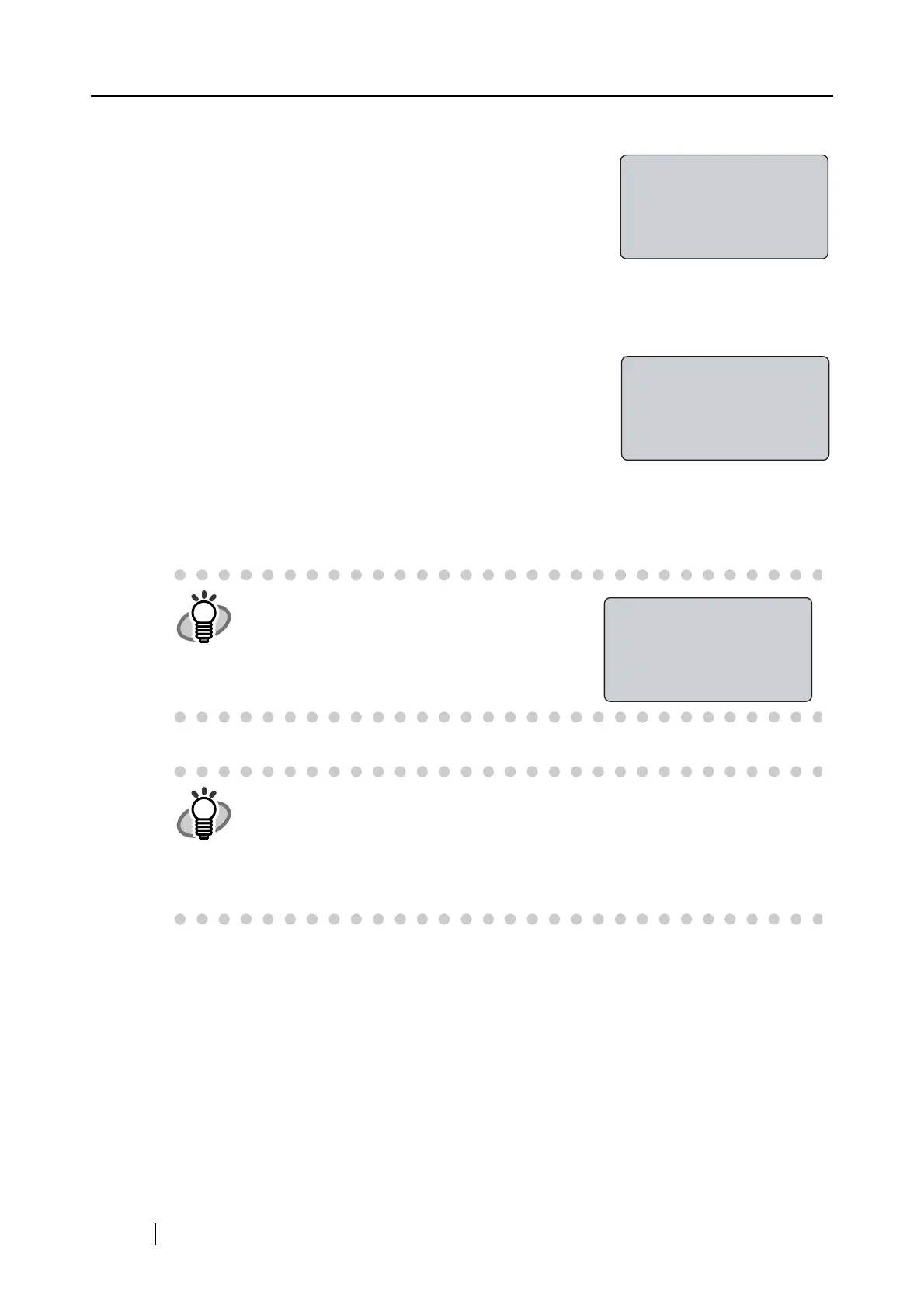
In a "pull" mode scanning, if the user
authentication is enabled, the following screen
will appear when the scanner driver is started
up
.
HINT
About Pull mode scanning using ScandAll 21
When you start up ScandAll 21, open the TWAIN dialog box, and click the
[Scan] button, the next message appears on monitor screen: "Please perform
user authentication by fi-5000N before scanning". This means fi-5000N is wait-
ing for fingerprint authentication. Perform the user authentication. As soon as
the authentication is completed successfully, the scanning operation will start.
"Pull" mode
authentication:
Authenticate
Not authenticate
"Pull" mode
authentication
setting changed
Place your finger
on the sensor
(For specified user)



 To Next Page