4.3 Installing FUJITSU ISIS Scanner Driver
fi-5000N Operator’s Guide 35
Installing and Setting Driver
4
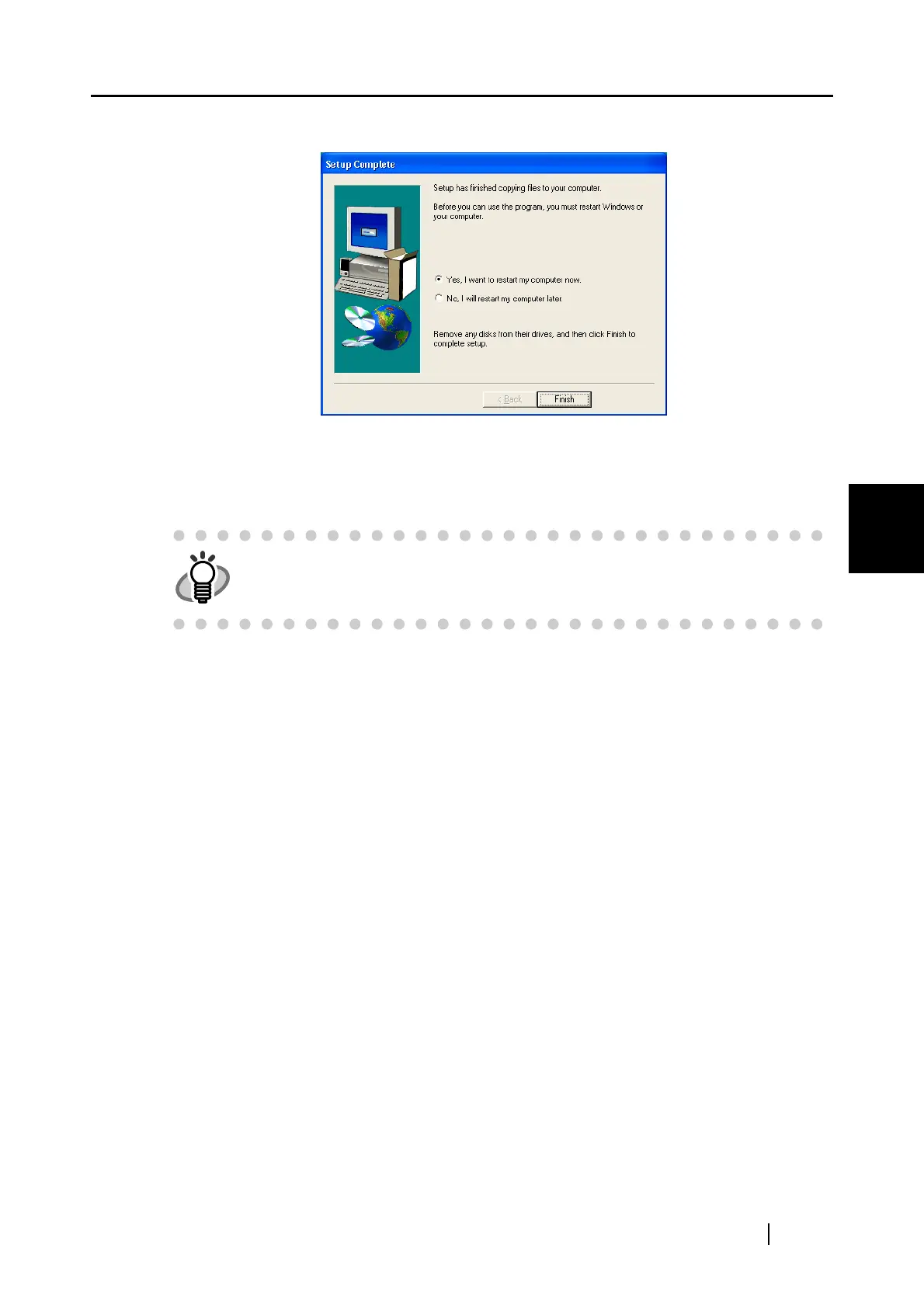
7. When the [Setup Complete] window appears, click [Finish].
⇒ Your PC will be restarted. Do not remove the Setup CD-ROM until your PC has com-
pletely restarted.
Installation of the scanner driver is completed.
HINT
In order to use the scanner, it is also necessary to have an application that
complies with the ISIS standard.
you can install "QuickScan Pro
™" bundled with the scanner.



 To Next Page