5.1 Installing fi-5000N Software
fi-5000N Operator’s Guide 43
Installing and setting the fi-5000N Software
5
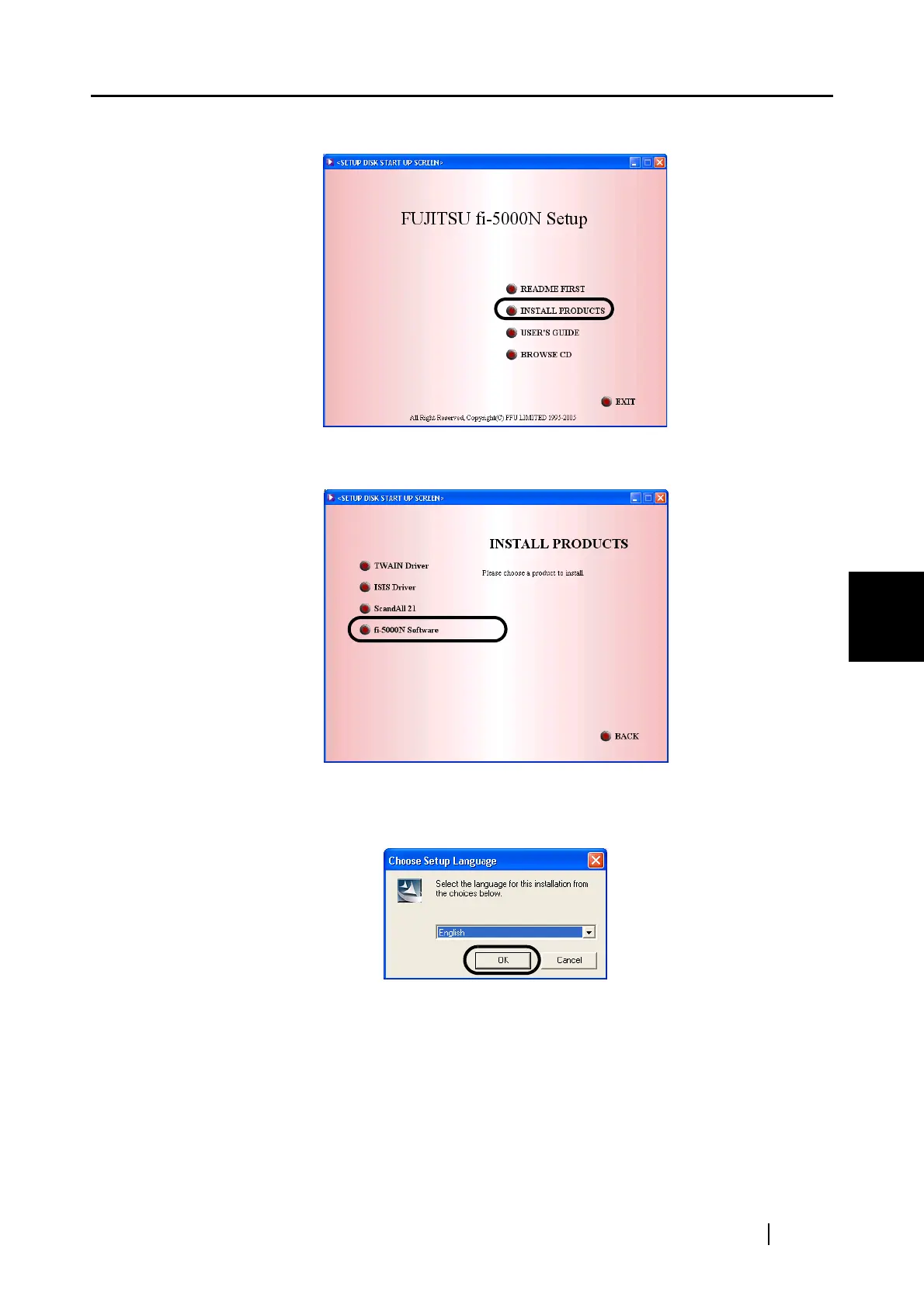
3. Click [INSTALL PRODUCTS].
4. Click [fi-5000N Software] on the window below.
5. Select a language used for installation on [Choose Setup Language] window and click
[OK].
6. Follow the instructions on the window to install the application.
7. When the [InstallShield Wizard Complete] window appears, click [Finish].
Installation of the fi-5000N Software is completed.



 To Next Page