5.2 fi-5000N Software Overview
fi-5000N Operator’s Guide 47
Installing and setting the fi-5000N Software
5
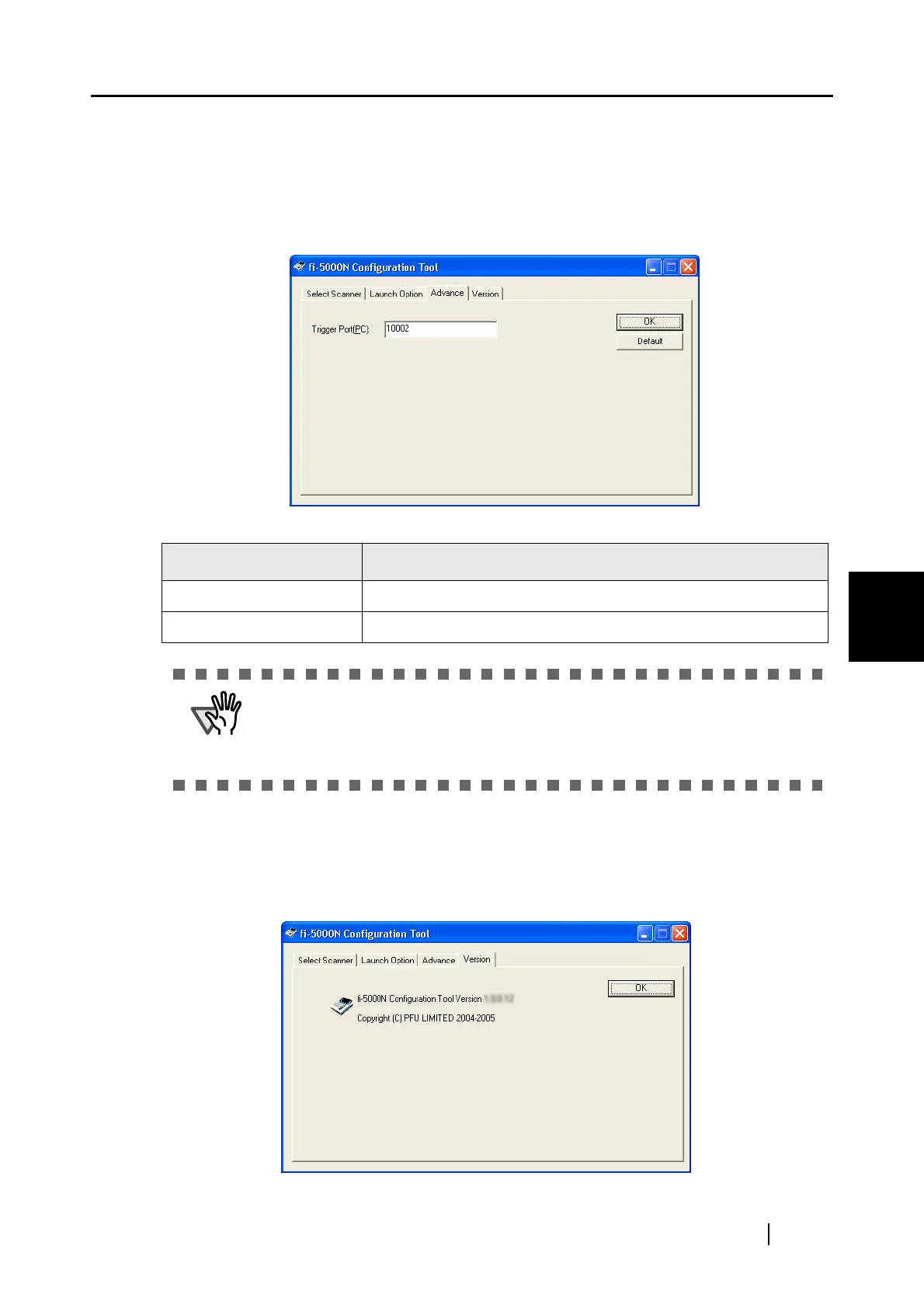
■ [Advance] Tab
When receiving image data, the trigger port number for the fi-5000N, may conflict with other
applications.
This setting is used to change the trigger port number on the PC.
■ [Version] Tab
This tab shows the version information of the fi-5000N Configuration Tool.
Name of Item Function
Trigger port (PC): Used to specify a trigger port number on the PC.
[Default] button: Resets to the default number.
ATTENTION
When changing the trigger port number on the PC, you must also change
the trigger port on the fi-5000N. Refer to "5.5 fi-5000N Administrator Set-
tings" (page 56). If the both port numbers are not the same, the fi-5000N
will not work correctly.



 To Next Page