60
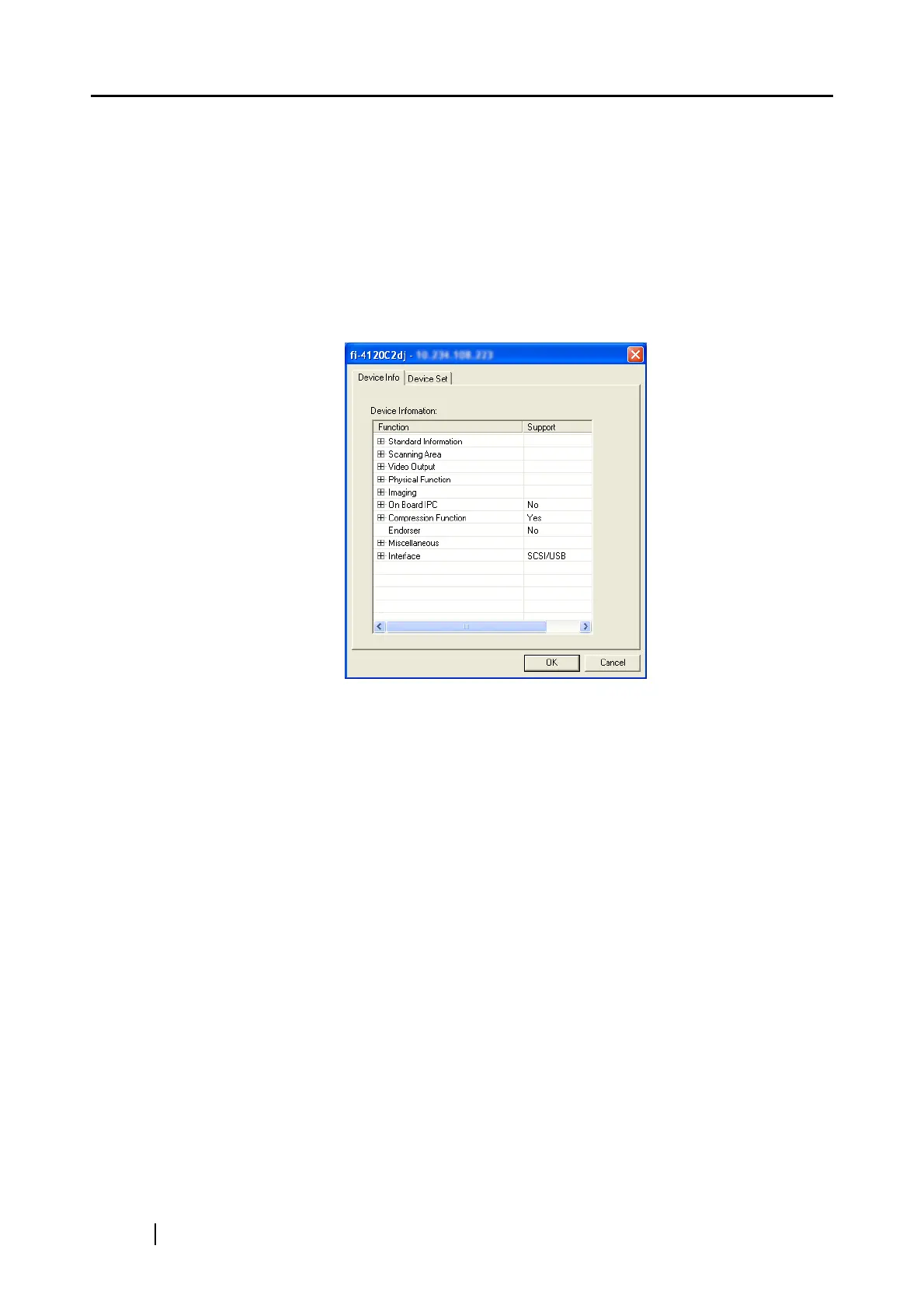
■ [Device Info] Tab
The list of the scanner functions is displayed in this screen.
The displayed items may differ depending on the scanner.
The displayed items are only the hardware functions, which may not be the same with the values
that can be specified during scanning mentioned earlier. The functions that can be achieved by the
software are not displayed.
Also, this tab does not appear if the scanner is in use or not connected. If the tab does not appear,
exit the application that the scanner is using or check the connection, and then display the tab.



 To Next Page