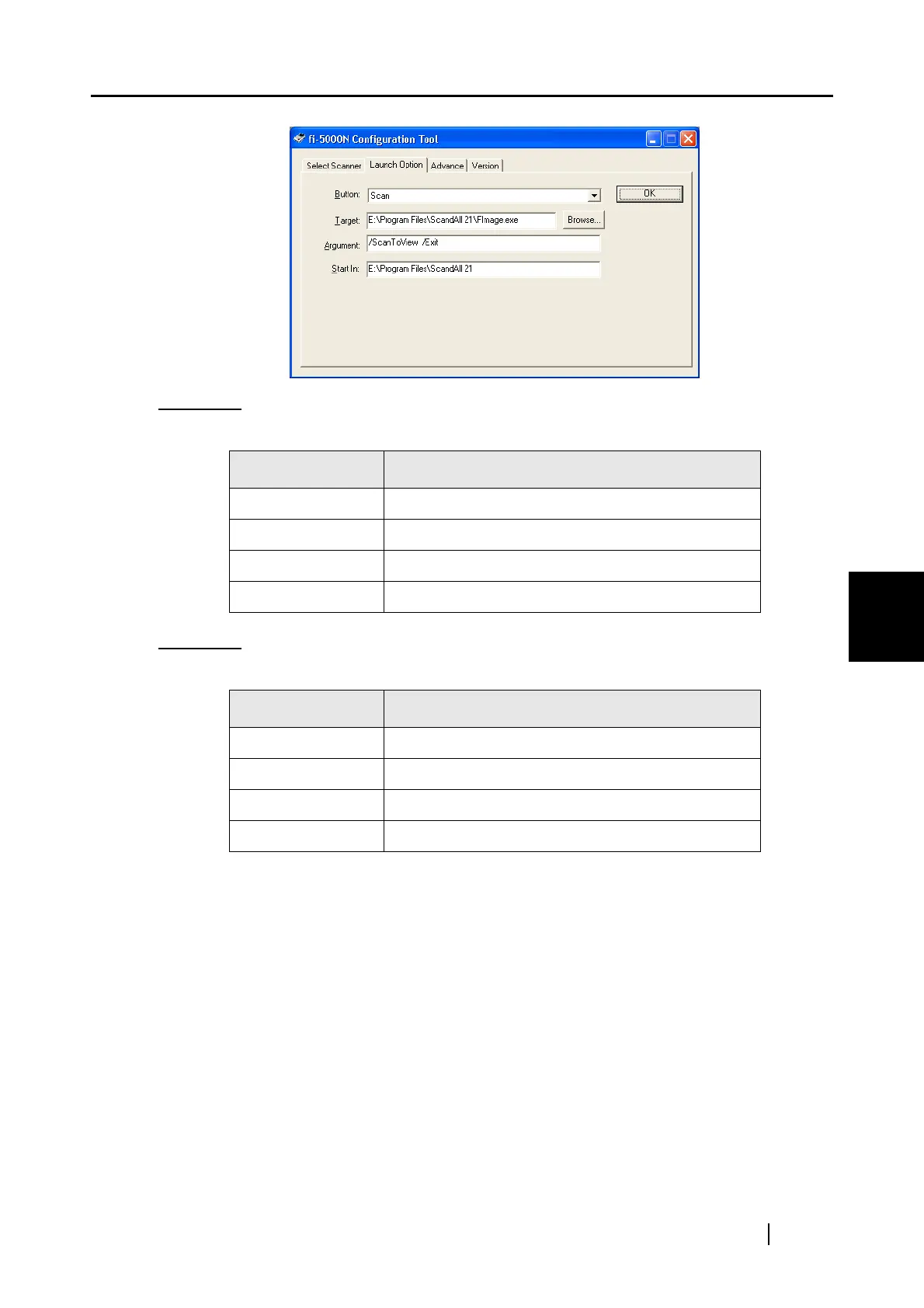
5.7 Settings of [Launch Options]
fi-5000N Operator’s Guide 65
Installing and setting the fi-5000N Software
5
Example 1: When the [Scan] button is pressed, "ScandAll 21" starts up, performs the scanning
operation and displays the scanned image.
Example 2:
When the [Send to] button is pressed, "ScandAll 21" starts up, performs the scanning
operation and saves the scanned images.
* [Target] and [Start in] may differ depending on where "ScandAll 21" is installed. The
example above is based on the default setting.
The "
9" character which appears in "Argument" indicates a space.
You can assign 9 different functions to the [Send to] button.
By pressing the [Function] button on the scanner’s operator panel, the [Send to] button’s
function can be changed in the following order: [1]J[2]J...[9]J[C]J[1]J...
(Function [C] cannot be used).
Name of Item Setting
Button: [Scan]
Target: C:\Program Files\ScandAll 21\FImage.exe (*)
Argument: /SHOWUI:09/ScanToView
Start in: C:\Program Files\ScandAll 21\ (*)
Name of Item Setting
Button: [Send to 1] (*)
Target: C:\Program Files\ScandAll 21\FImage.exe (*)
Argument: /SHOWUI:09/ScanToFile
Start in: C:\Program Files\ScandAll 21\ (*)



 To Next Page