fi-5120C / fi-5220C Image Scanner Operator Guide
TROUBLE SHOOTING
CONTENTS MAP
TOP
3.6SavingScannedImagesinPDFFormat(3)
1 2
3
4 5 6 7 8
5. To end scanning, click the [Close] button.
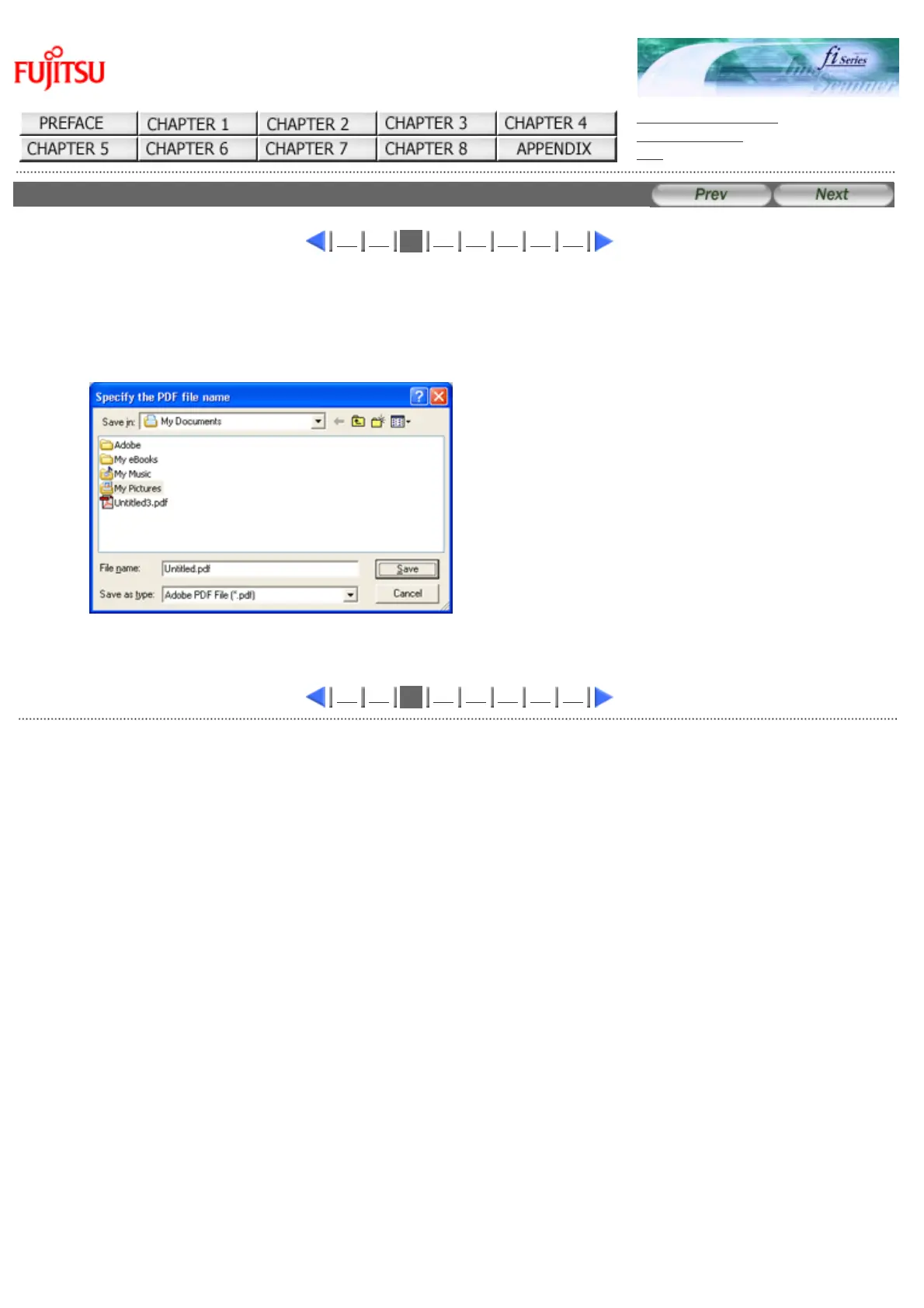
6. Enter the file name and select the destination to save the scanned image.
For details, refer to ScandAll 21 Help.
1 2
3
4 5 6 7 8
AllRightsReservedCopyright2006©PFULIMITED
file://///Hd-htgle21/Manual/fi-5120C5220C-lynx2/OG/R03/contents/EN/03/c030603.htm2006/08/2916:00:35












 To Next Page